How to scan for mobile networks on my TCL smartphone
Step 1 of 7
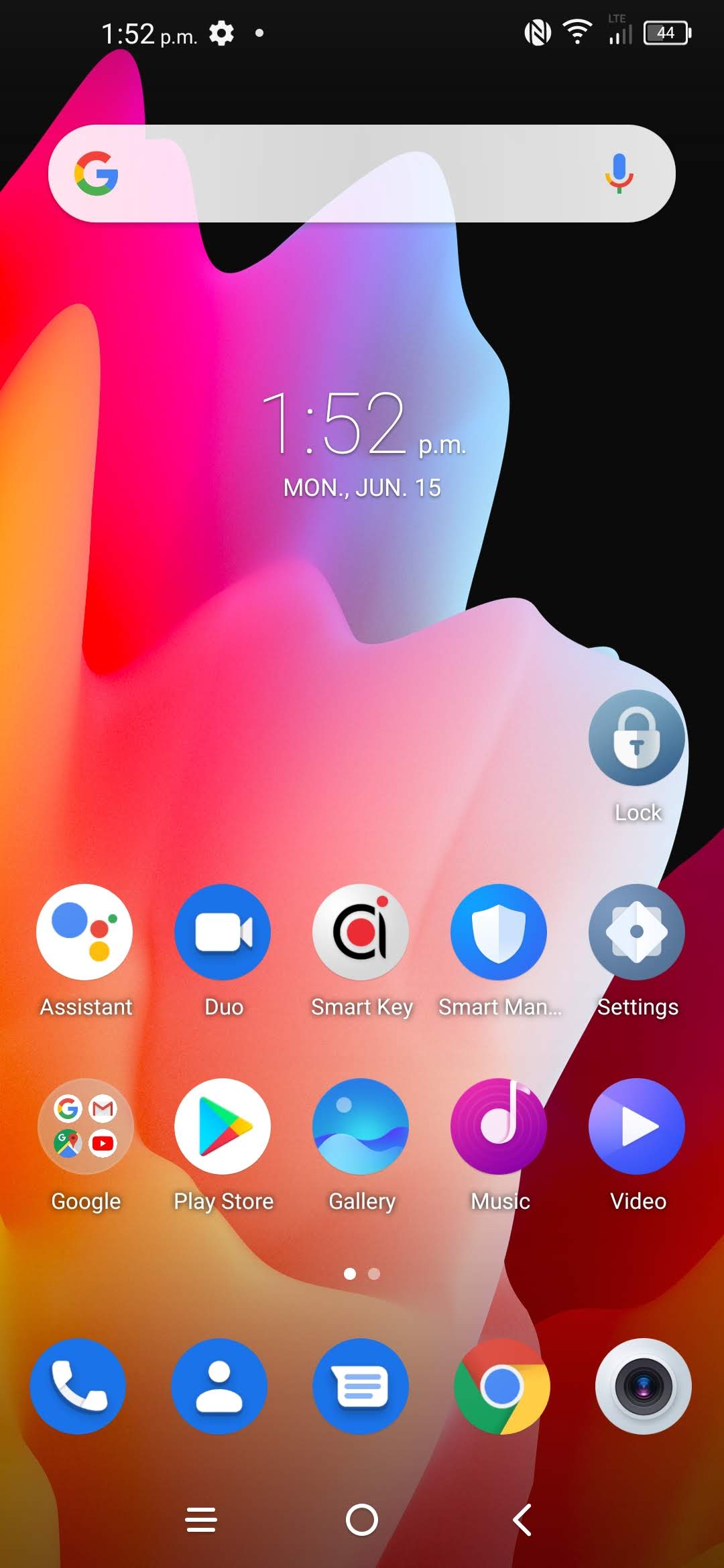
Touch Settings.

Step 2 of 7
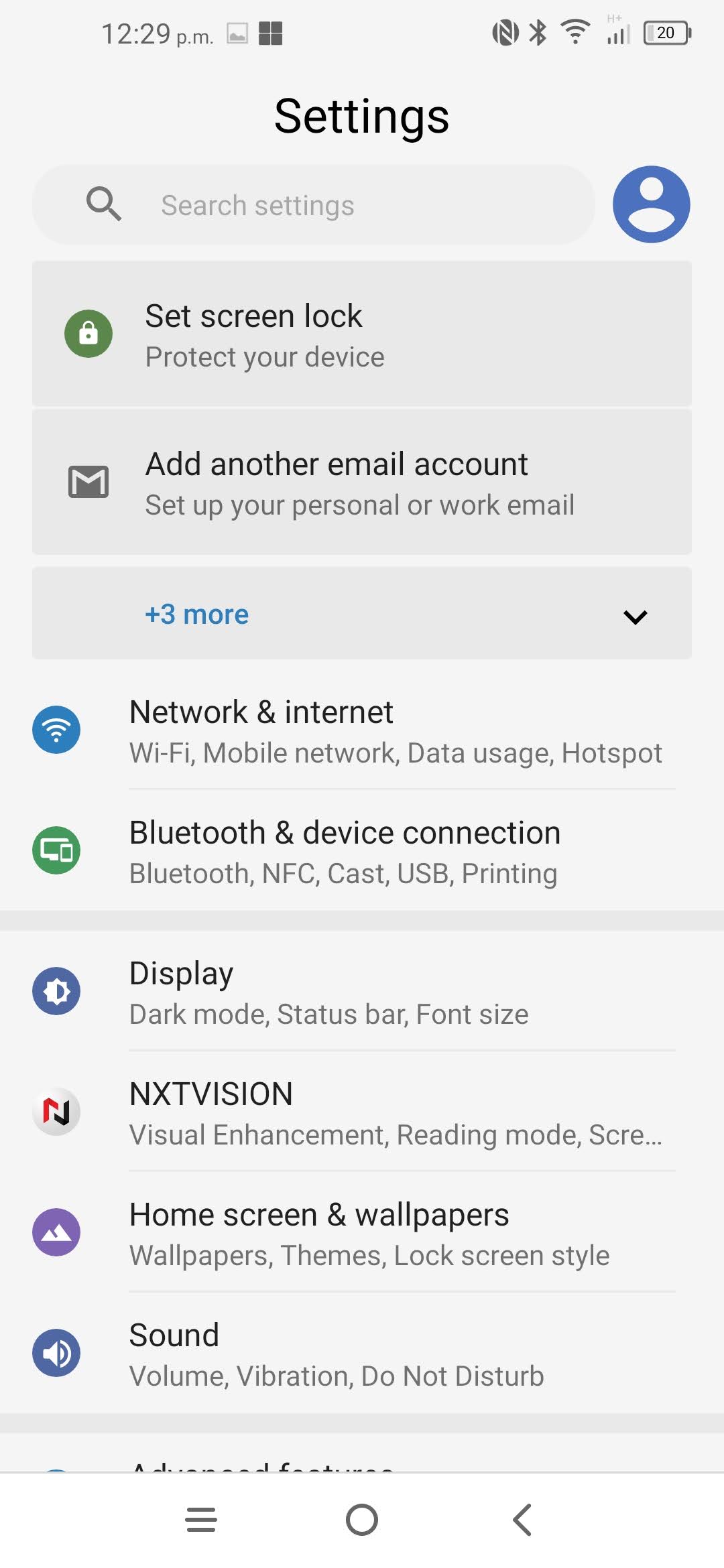
Touch Network & Internet.
Step 3 of 7
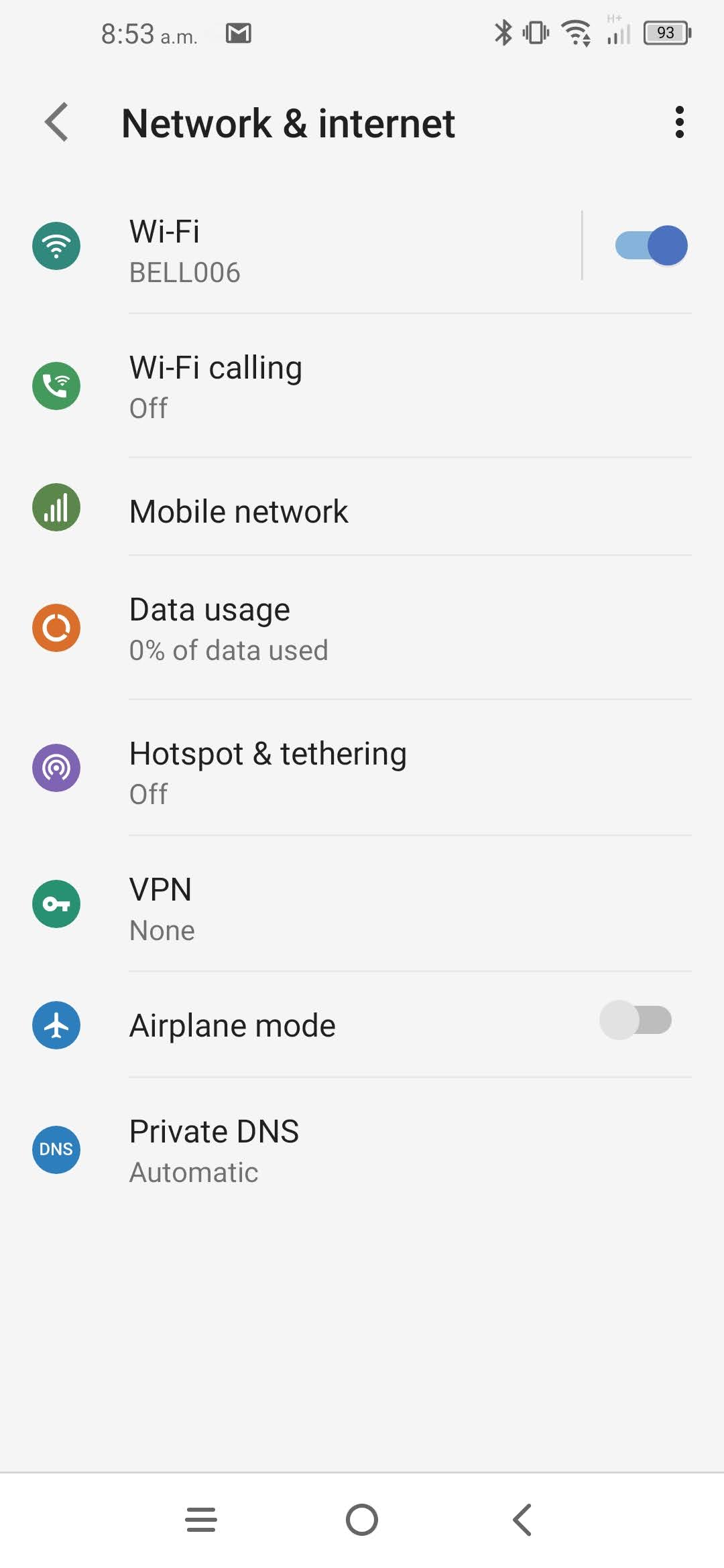
Touch Mobile network.
Step 4 of 7
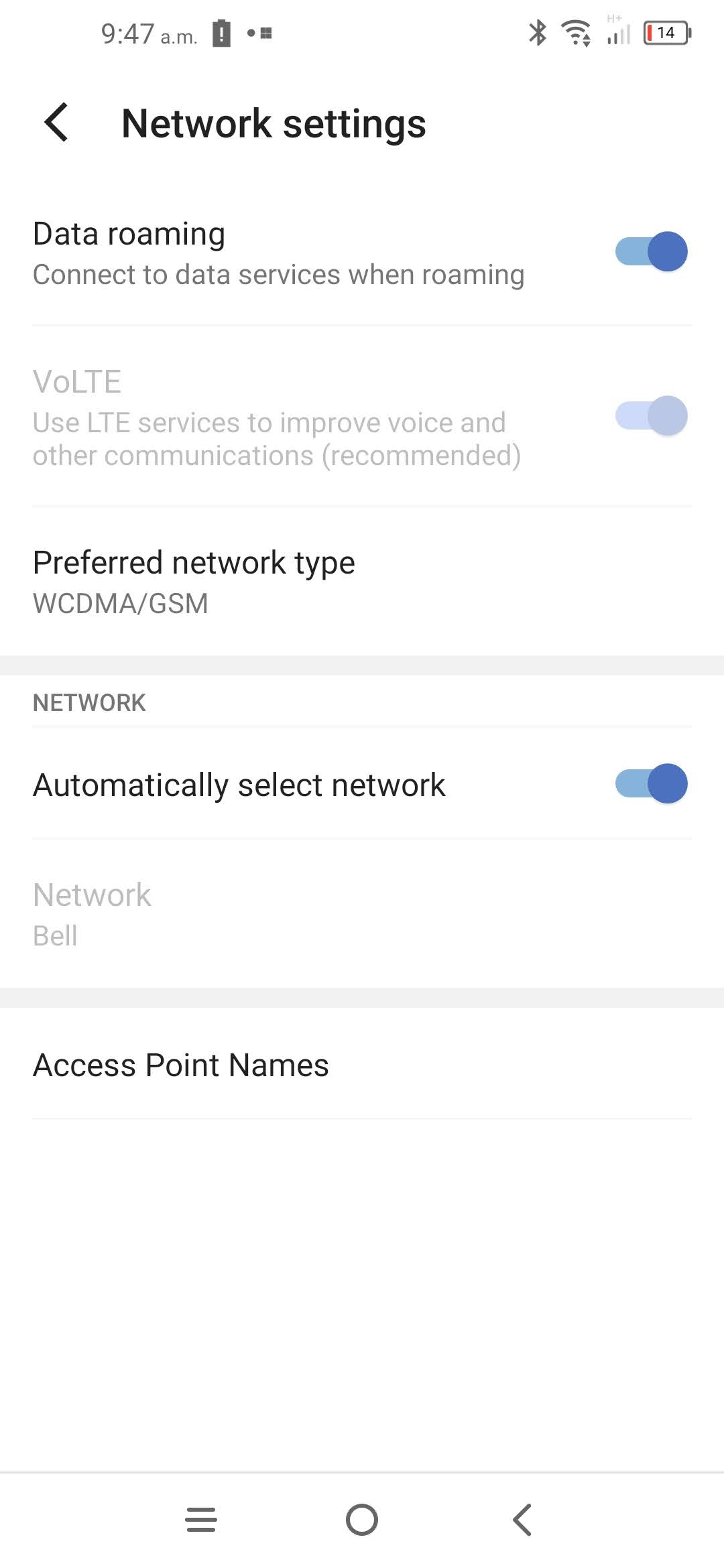
Scroll to and touch Automatically select network.
Step 5 of 7
Wait while the phone searches for networks.
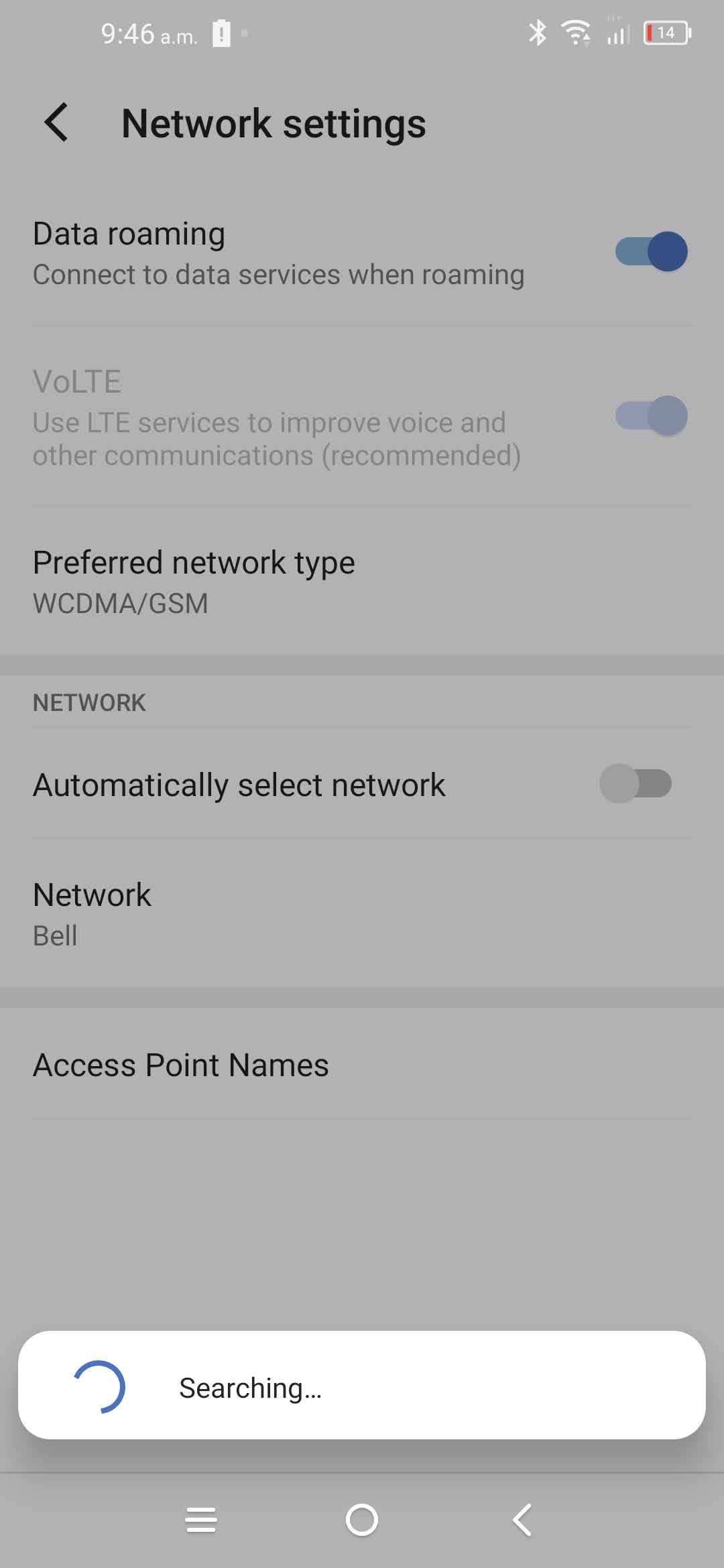
Step 6 of 7
The available networks will be listed. Select the network you want to use.
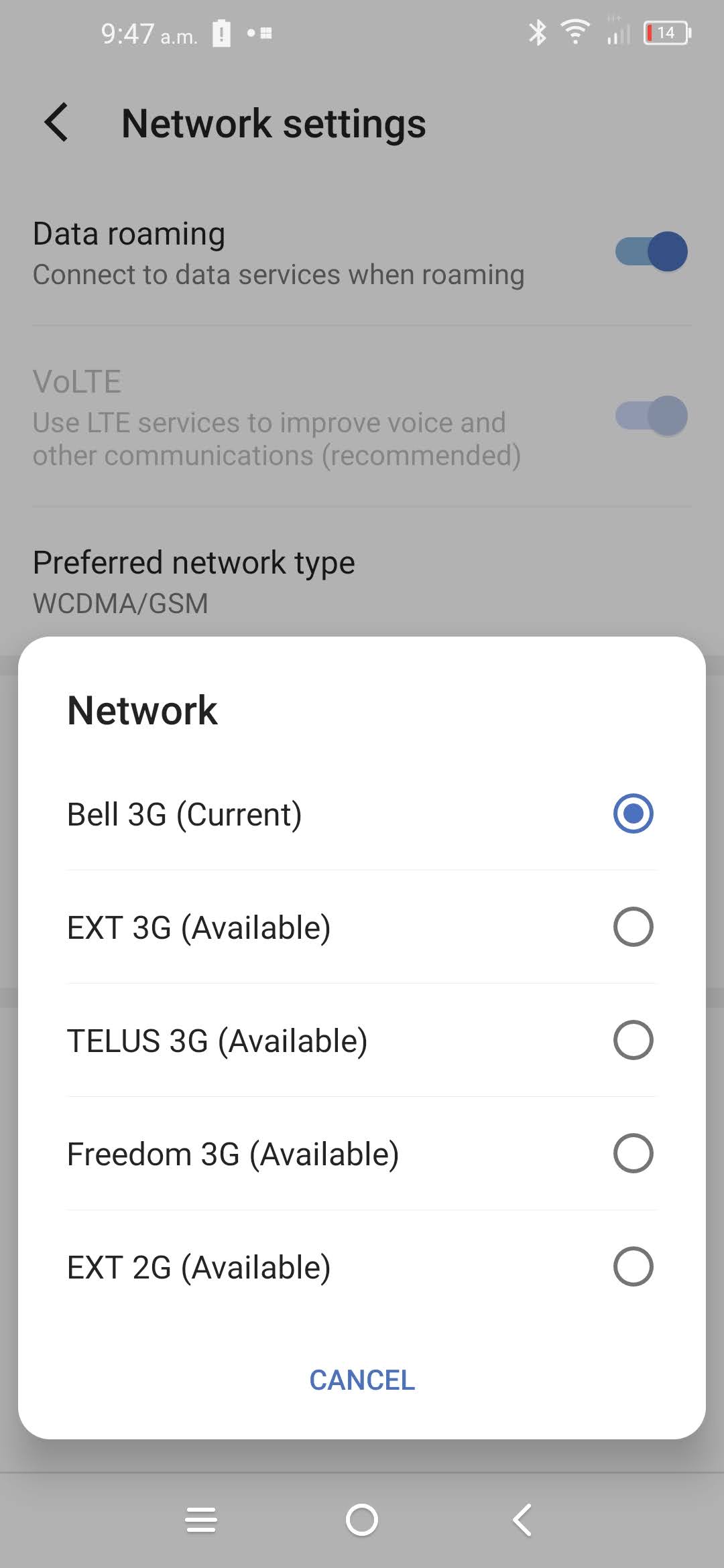
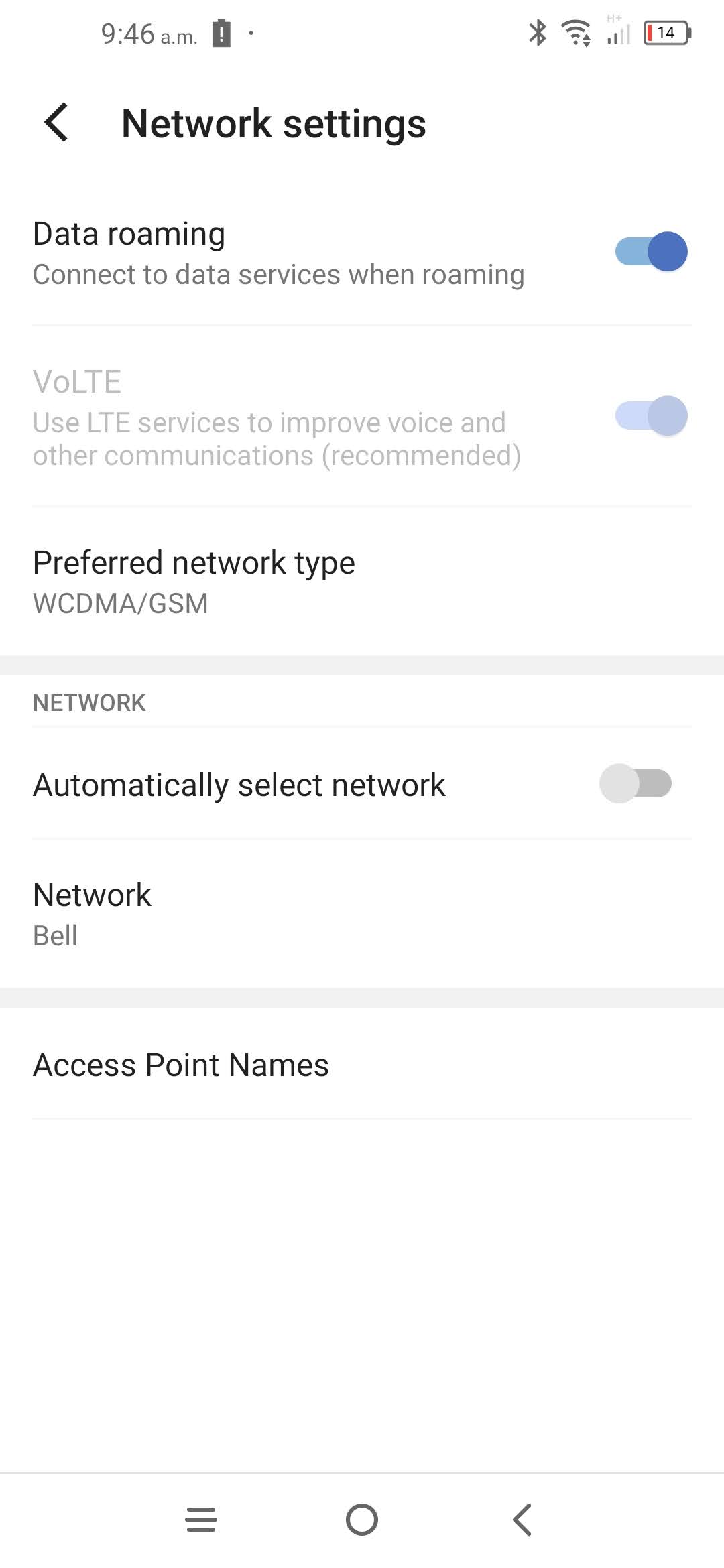
Step 7 of 7
The phone is now connected to the mobile network.

- Touch Settings.
- Touch Network & Internet.
- Touch Mobile network.
- Scroll to and touch Automatically select network.
- Wait while the phone searches for networks.
- The available networks will be listed. Select the network you want to use.
- The phone is now connected to the mobile network.
Applicable to:
TCL 50 XE NXTPAPER 5G, 60 XE NXTPAPER 5G, 10L, 10 Pro, 20S, 20 Pro.