How to reset the APN settings to default on my Huawei smartphone
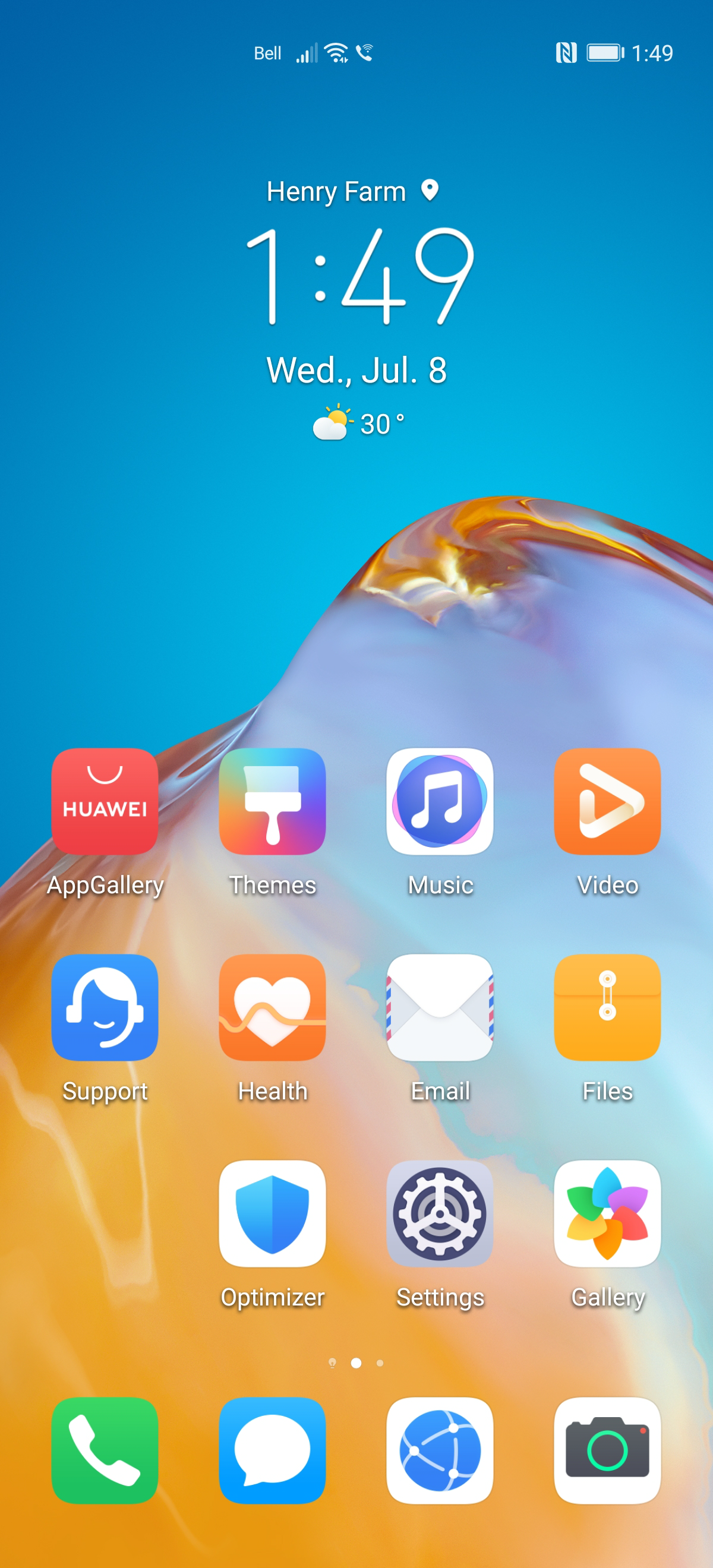
Step 1 of 8
Touch Settings.

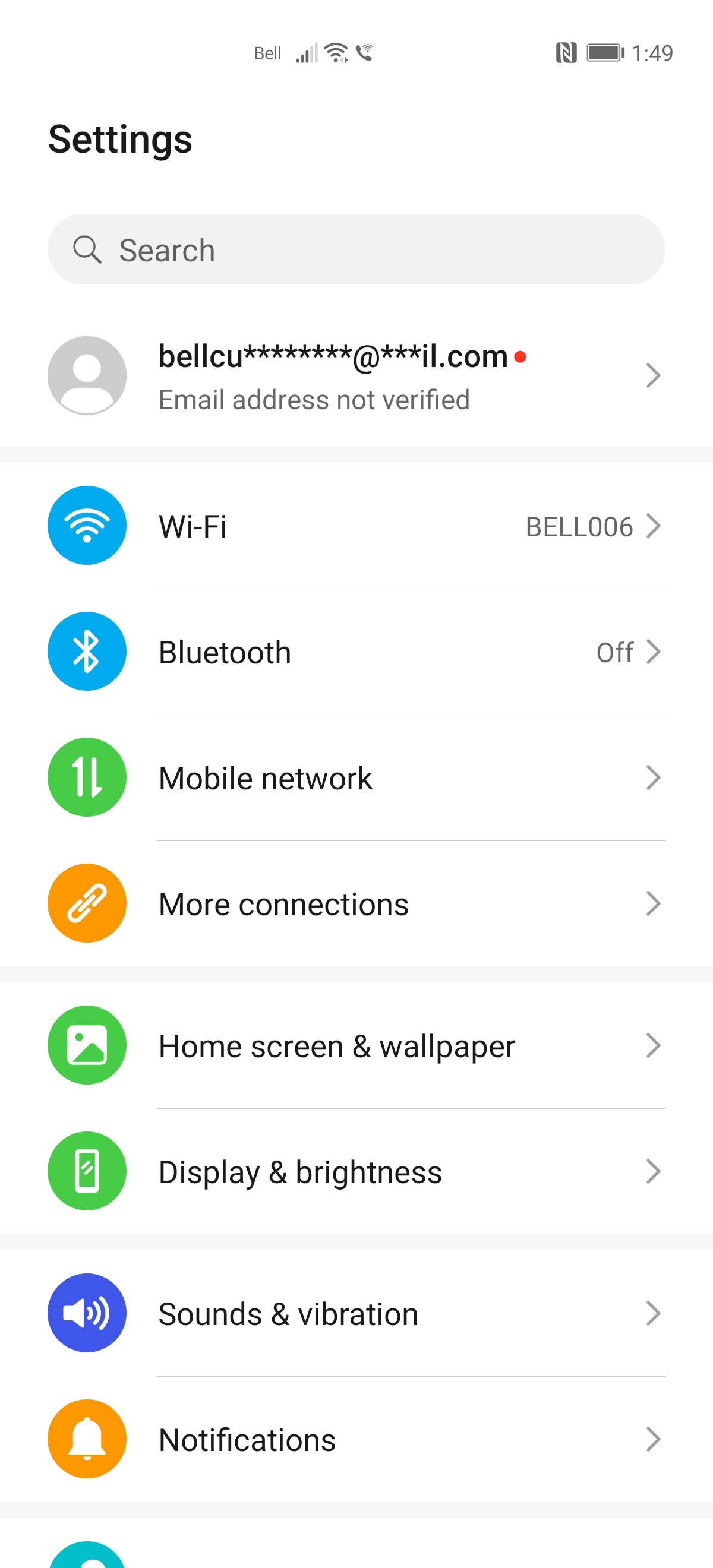
Step 2 of 8
Touch Mobile network.
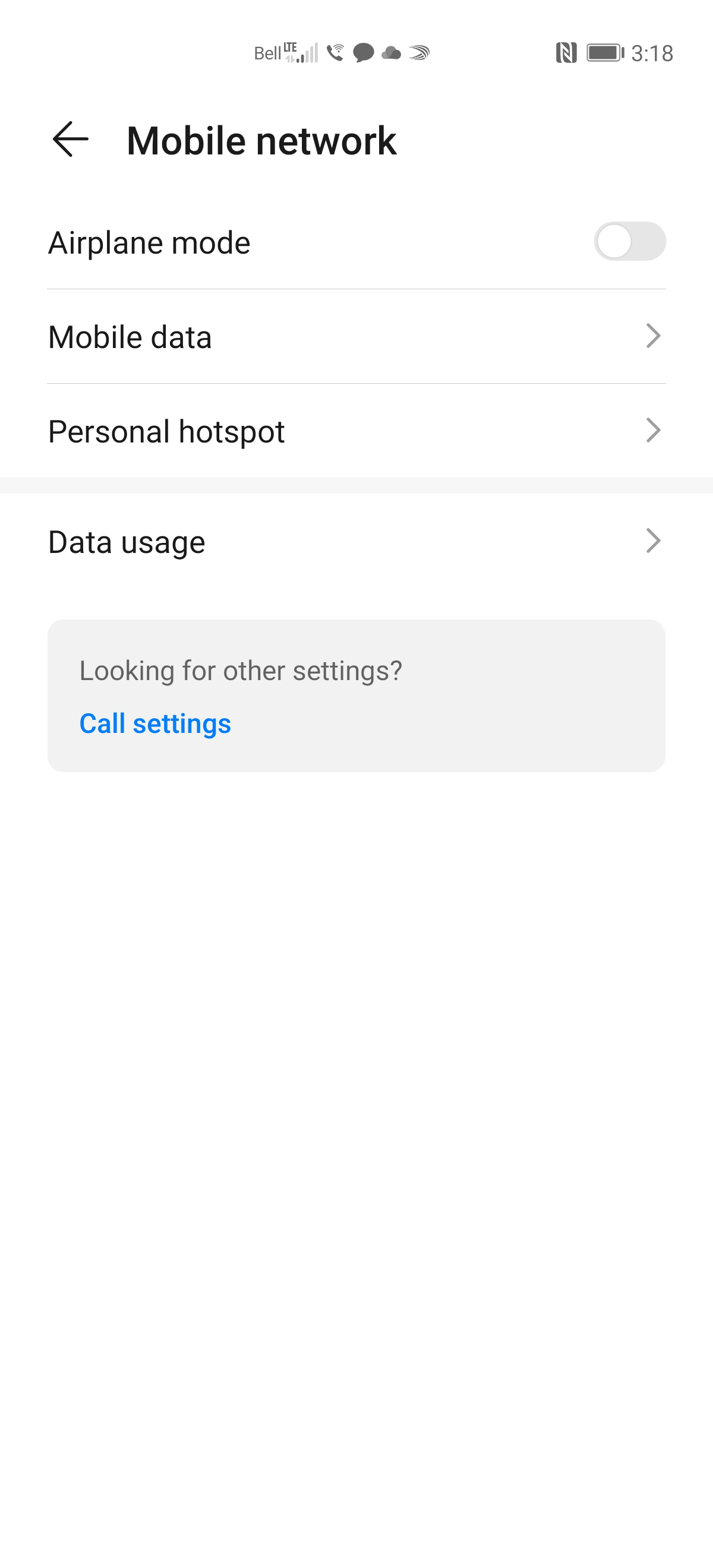
Step 3 of 8
Touch Mobile data.
Step 4 of 8
Touch Access point names.

Step 5 of 8
Touch the Menu icon.

Step 6 of 8
Touch Reset to default.

Step 7 of 8
Touch PDA to set the APN if not already selected.

Step 8 of 8
The APN settings have been reset to default.

- Touch Settings.
- Touch Mobile network.
- Touch Mobile data.
- Touch Access point names.
- Touch the Menu icon.
- Touch Reset to default.
- Touch PDA to set the APN if not already selected.
- The APN settings have been reset to default.
Applicable to:
Huawei P40 Pro, P30 Pro, P30, P30 Lite.