How to change the SSID on the Huawei B882 LTE Wireless Gateway
Step 1 of 12
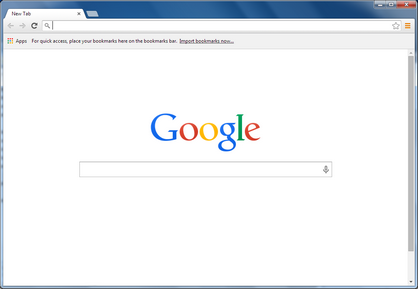
Open a web browser.
Step 2 of 12
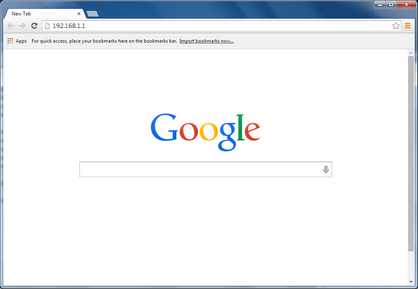
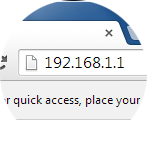
Type 192.168.1.1 in the address bar, then press Enter on your keyboard.

Step 3 of 12
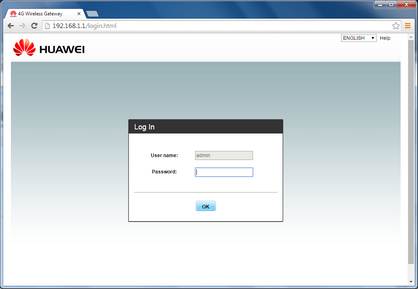
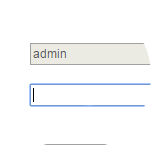
Enter the password.
The default password is admin.

Step 4 of 12
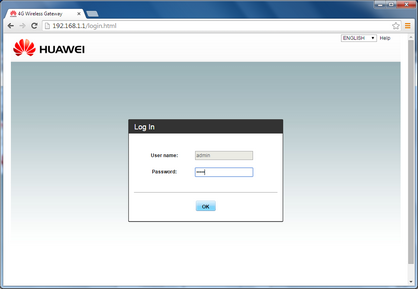
Click OK.

Step 5 of 12
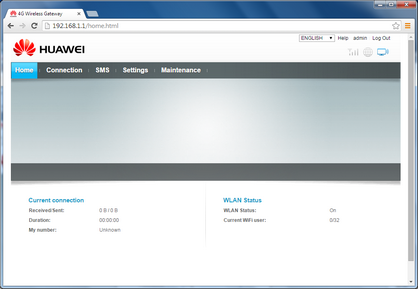
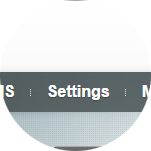
Click Settings.
Step 6 of 12
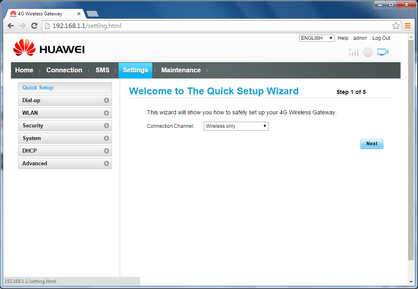
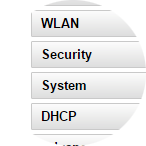
Click WLAN.
Step 7 of 12
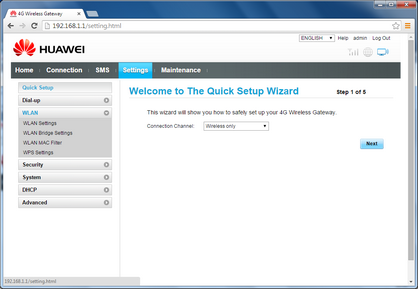
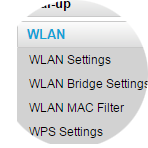
Click WLAN Settings.
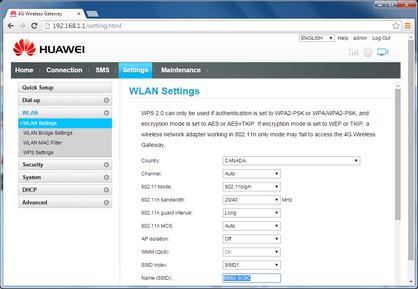
Step 8 of 12
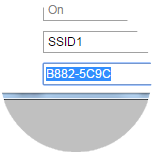
Scroll to and highlight Name (SSID).

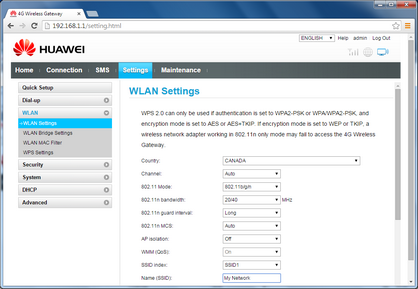
Step 9 of 12
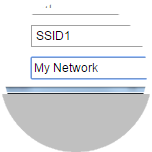
Enter the new SSID (e.g. My Network).
Step 10 of 12
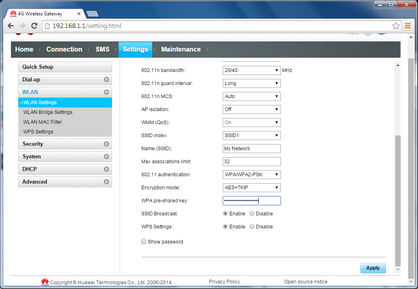
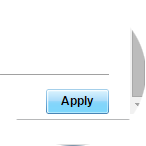
Scroll to and click Apply.
Step 11 of 12
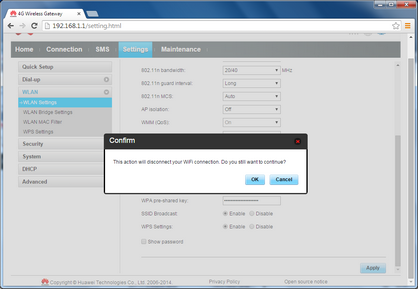
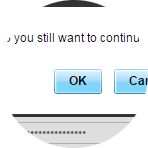
Click OK.

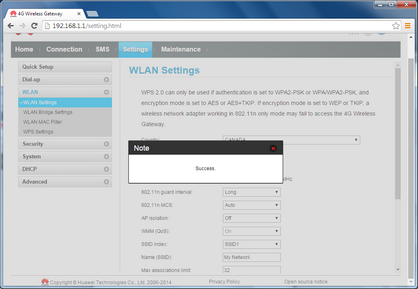
Step 12 of 12
The SSID has been successfully changed.
- Open a web browser.
- Type 192.168.1.1 in the address bar, then press Enter on your keyboard.
- Enter the password.
The default password is admin. - Click OK.
- Click Settings.
- Click WLAN.
- Click WLAN Settings.
- Scroll to and highlight Name (SSID).
- Enter the new SSID (e.g. My Network).
- Scroll to and click Apply.
- Click OK.
- The SSID has been successfully changed.