How to turn data roaming and data services on/off on my ahlo smartphone
Step 1 of 9
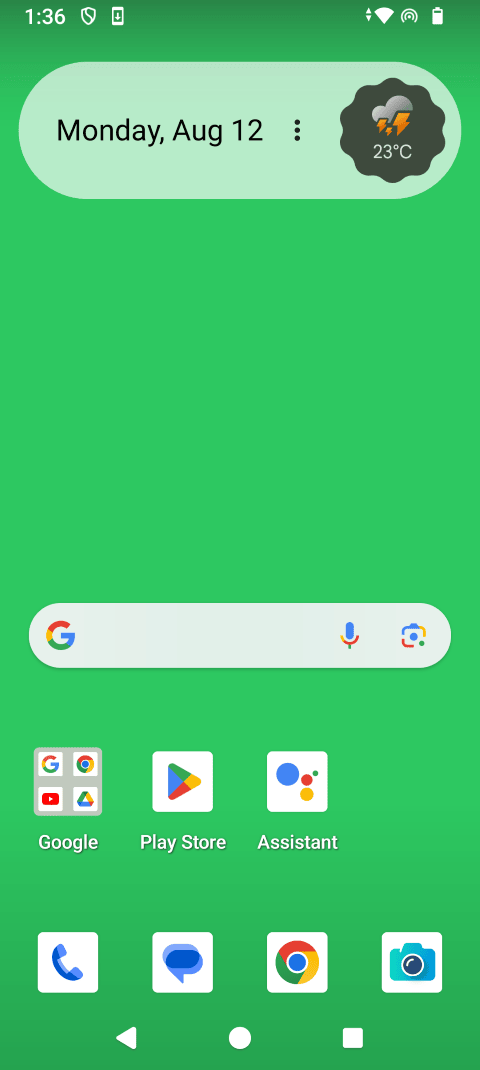
Swipe up to view the apps.

Step 2 of 9
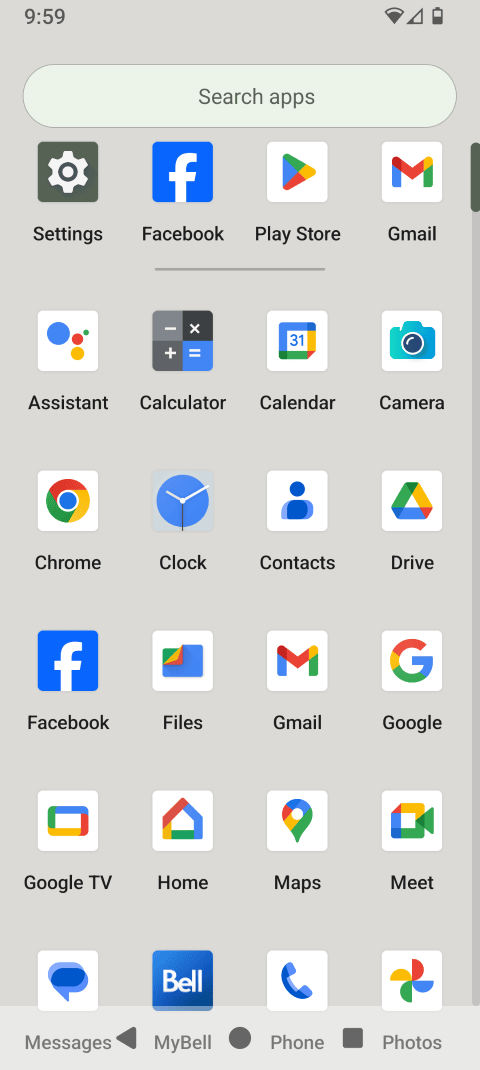
Touch Settings.

Step 3 of 9
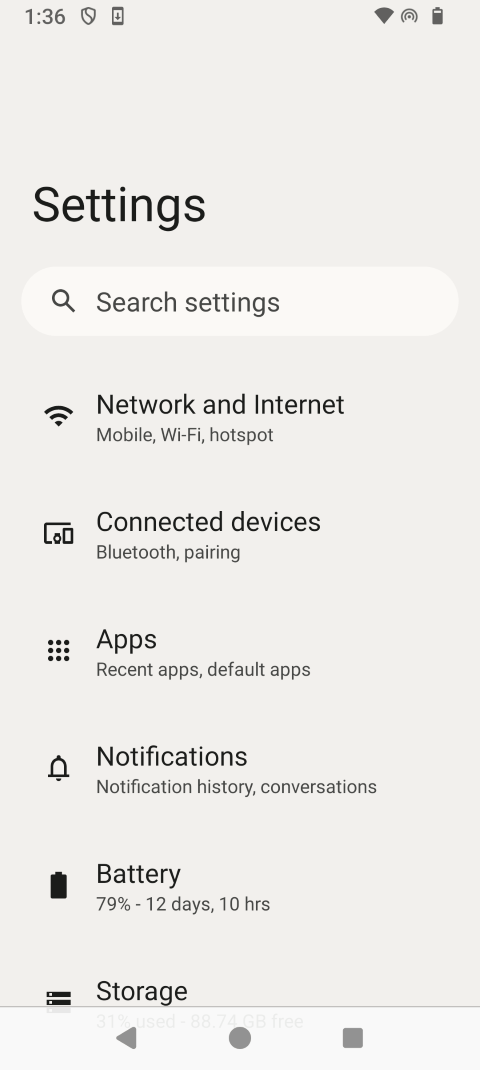
Touch Network & Internet.
Step 4 of 9
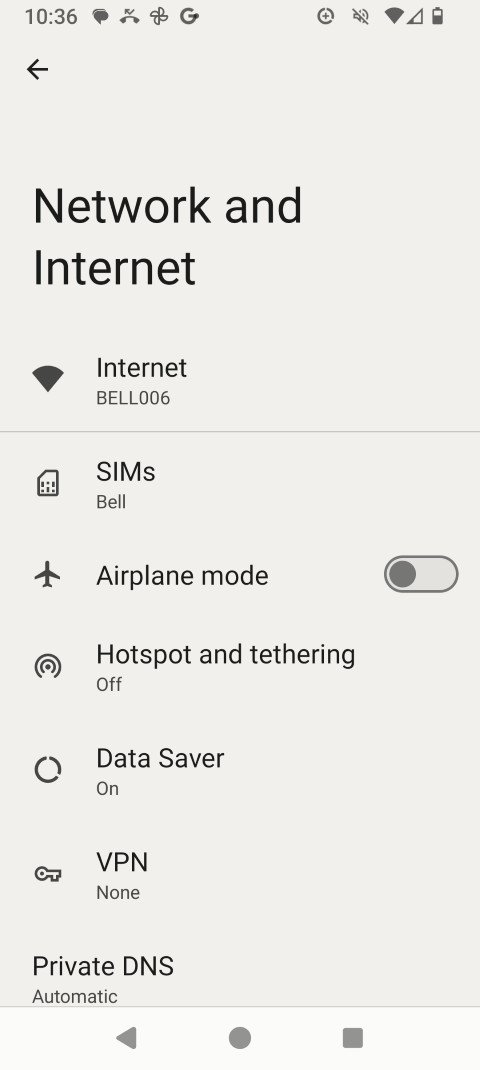
Touch SIMs.
Step 5 of 9
Touch Roaming to change the setting (e.g., from off to on).
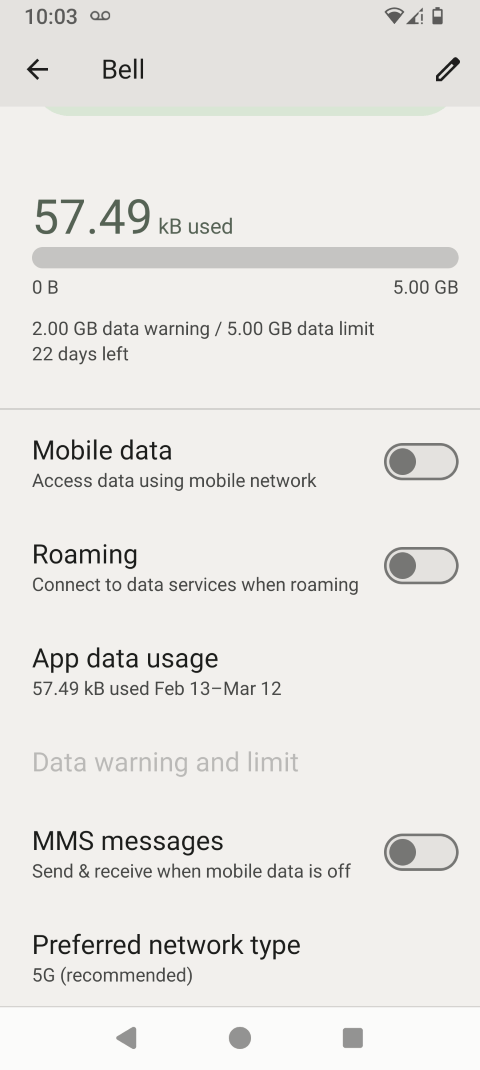
Step 6 of 9
Read the warning and touch OK.
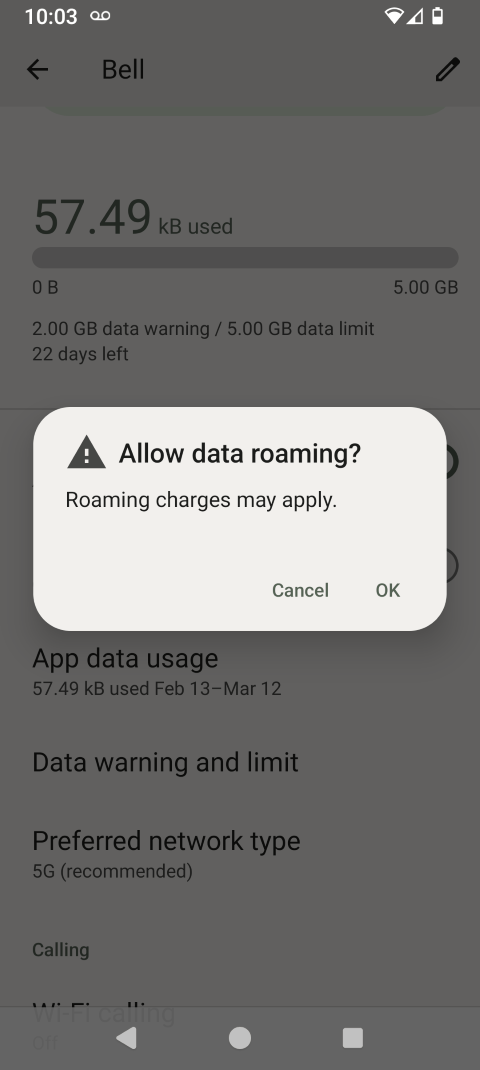
Step 7 of 9
Data roaming is now on.
Touch Roaming again to turn it off.
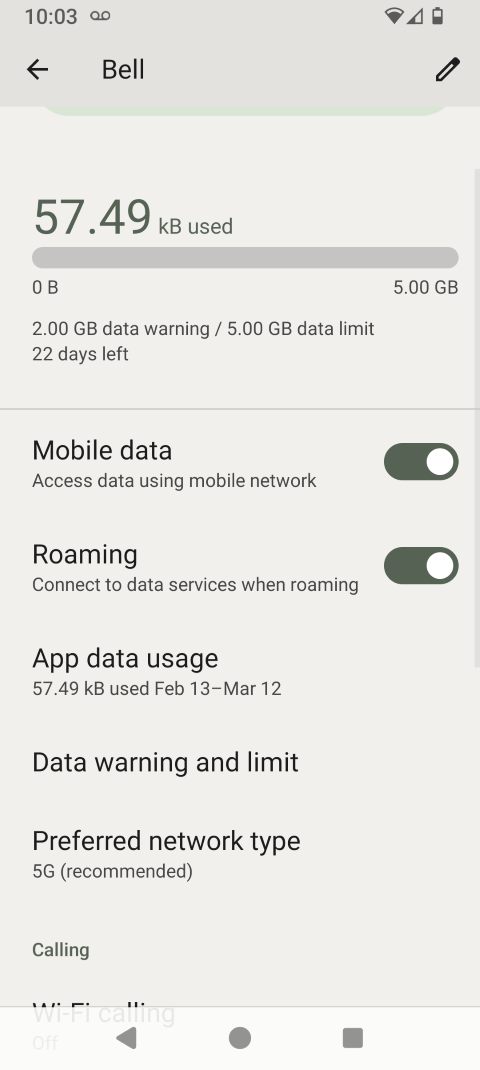
Step 8 of 9
To switch data off completely, touch the Mobile data slider to turn it off.
Step 9 of 9
Data services are now off.
Touch Mobile data again to turn data services on.
- Swipe up to view the apps.
- Touch Settings.
- Touch Network & Internet.
- Touch SIMs.
- Touch Roaming to change the setting (e.g., from off to on).
- Read the warning and touch OK.
- Data roaming is now on.
Touch Roaming again to turn it off. - To switch data off completely, touch the Mobile data slider to turn it off.
- Data services are now off.
Touch Mobile data again to turn data services on.