How to reset the Huawei B882 LTE Wireless Gateway to the factory default settings
Step 1 of 2
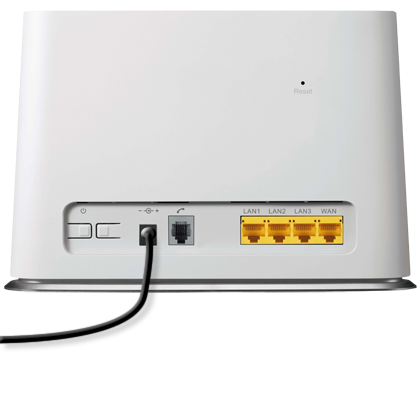
Make sure the Wireless Gateway is powered on. Using a pen or paperclip, press and hold the Reset button.

Step 2 of 2
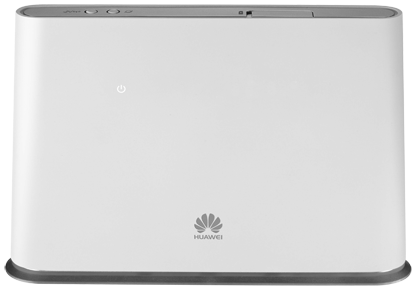
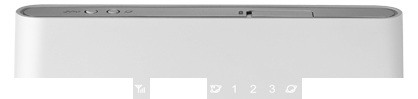
When the Signal indicators blink, release the reset button.
- Make sure the Wireless Gateway is powered on. Using a pen or paperclip, press and hold the Reset button.
- When the Signal indicators blink, release the reset button.