How to add an APN on the Nubia/ZTE MF275R
Step 1 of 17
On your computer, connect to the Internet via the Turbo Hub and open a web browser.
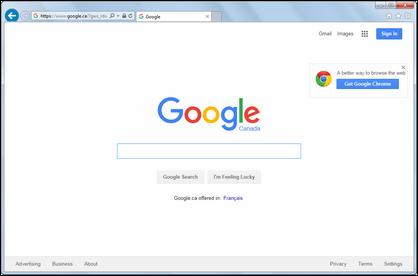
Step 2 of 17
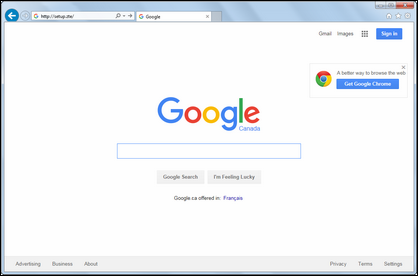
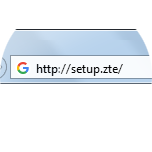
Type http://setup.ZTE in the address bar, then press Enter on your keyboard.


Step 3 of 17
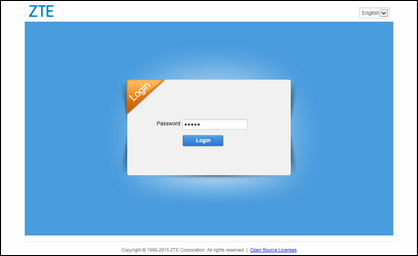
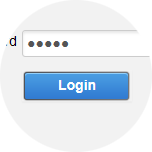
Enter the password (default is admin), then click Login.
Step 4 of 17
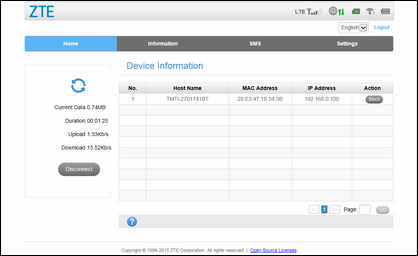
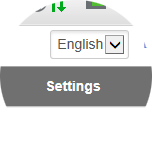
Click Settings.

Step 5 of 17
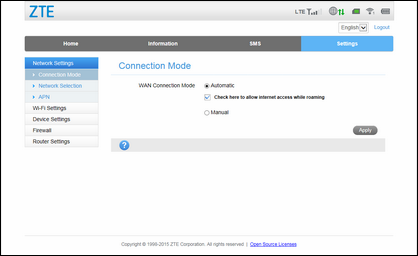
Click APN.

Step 6 of 17
Click Manual.


Step 7 of 17
Click Add New.


Step 8 of 17
Enter a profile name.


Step 9 of 17
Enter the APN.


Step 10 of 17
If required, enter the authentication type.



Step 11 of 17
Enter the username.


Step 12 of 17
Enter the password.


Step 13 of 17
Click Apply.


Step 14 of 17
Click on the current profile name.


Step 15 of 17
Click the name of the profile you have created.


Step 16 of 17
Click Set as default.


Step 17 of 17
Your APN profile is now active.

- On your computer, connect to the Internet via the Turbo Hub and open a web browser.
- Type http://setup.ZTE in the address bar, then press Enter on your keyboard.
- Enter the password (default is admin), then click Login.
- Click Settings.
- Click APN.
- Click Manual.
- Click Add New.
- Enter a profile name.
- Enter the APN.
- If required, enter the authentication type.
- Enter the username.
- Enter the password.
- Click Apply.
- Click on the current profile name.
- Click the name of the profile you have created.
- Click Set as default.
- Your APN profile is now active.