How to access the settings on the Nubia/ZTE MF275R
Step 1 of 5
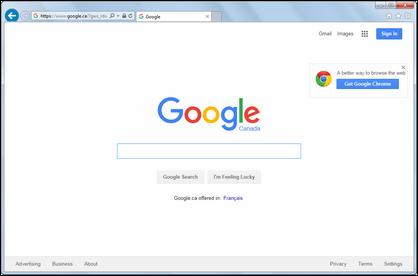
On your computer, connect to the Internet via the Turbo Hub and open a web browser.
Step 2 of 5
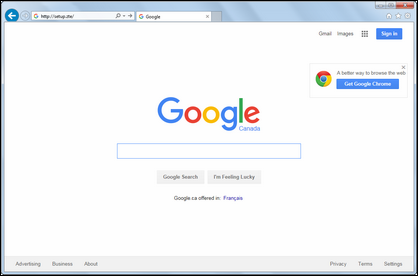
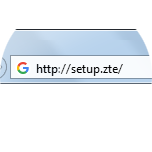
Type http://setup.ZTE in the address bar, then press Enter on your keyboard.


Step 3 of 5
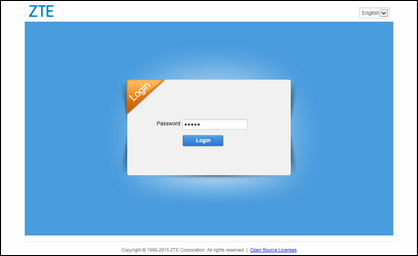
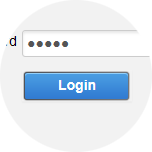
Enter the password (default is admin), then click Login.
Step 4 of 5
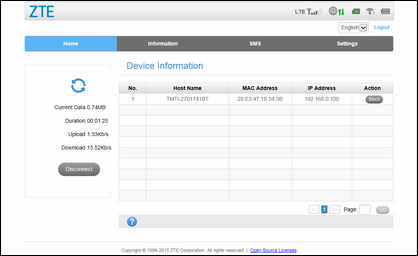
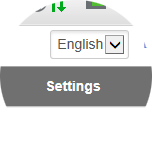
Click Settings.

Step 5 of 5
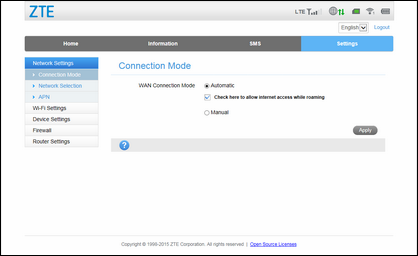
The settings page will be displayed.
- On your computer, connect to the Internet via the Turbo Hub and open a web browser.
- Type http://setup.ZTE in the address bar, then press Enter on your keyboard.
- Enter the password (default is admin), then click Login.
- Click Settings.
- The settings page will be displayed.