How to change the wireless password on the Huawei B882 LTE Wireless Gateway
Step 1 of 12
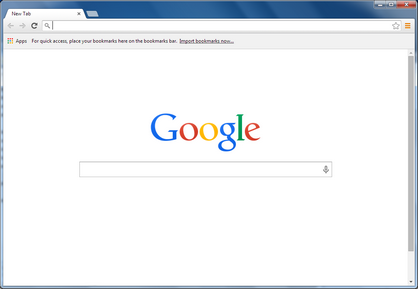
Open a web browser.
Step 2 of 12
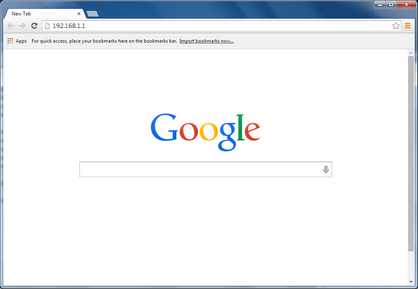
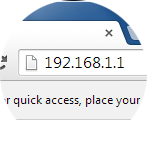
Type 192.168.1.1 in the address bar, then press Enter on your keyboard.

Step 3 of 12
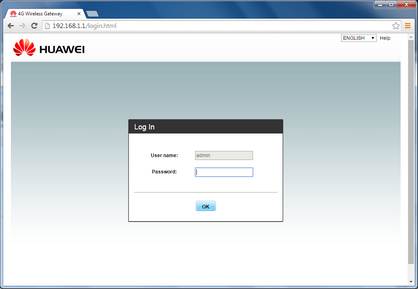
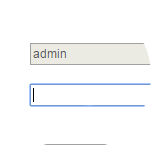
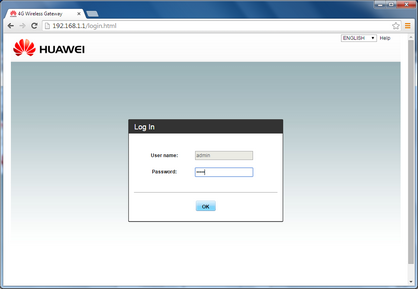
Enter the password.
The default password is admin.

Step 4 of 12
Click OK.

Step 5 of 12
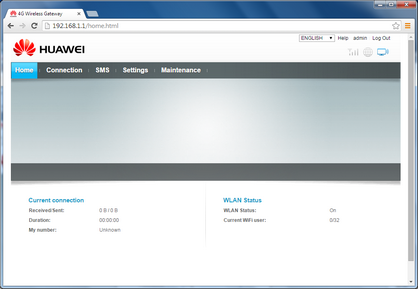
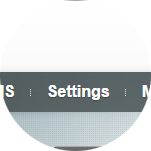
Click Settings.
Step 6 of 12
Click WLAN.
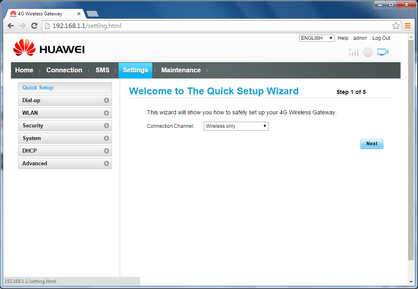
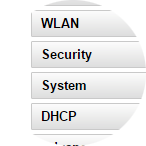
Step 7 of 12
Click WLAN Settings.
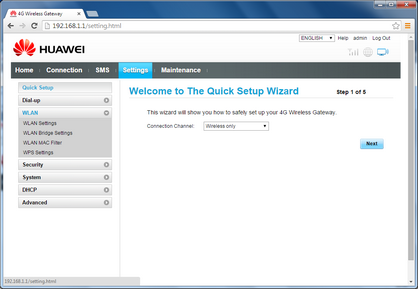
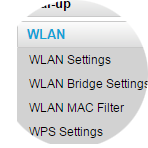
Step 8 of 12
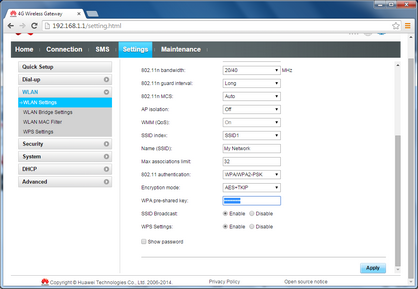
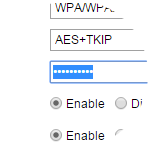
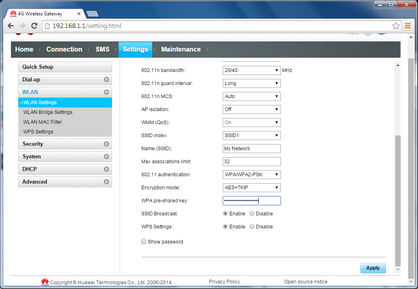
Scroll to and highlight WPA pre-shared key.

Step 9 of 12
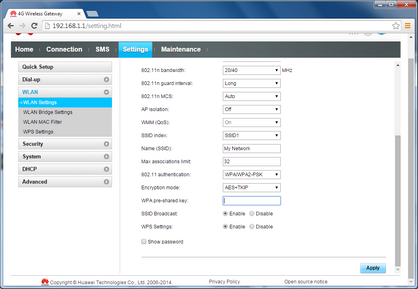
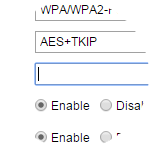
Enter your new pre-shared key.
Step 10 of 12
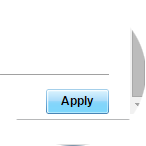
Click Apply.
Step 11 of 12
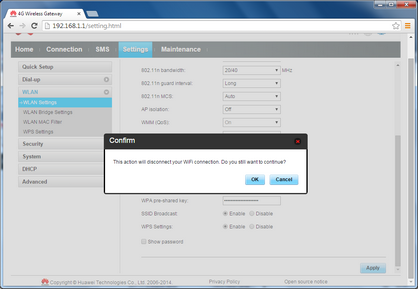
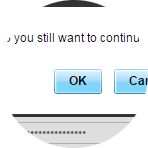
Click OK.

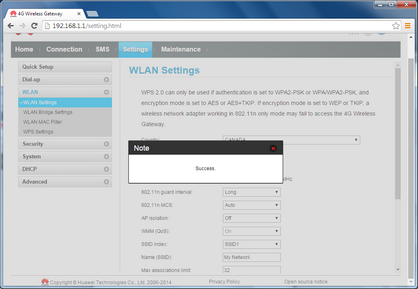
Step 12 of 12
The pre-shared key has been successfully changed.
- Open a web browser.
- Type 192.168.1.1 in the address bar, then press Enter on your keyboard.
- Enter the password.
The default password is admin. - Click OK.
- Click Settings.
- Click WLAN.
- Click WLAN Settings.
- Scroll to and highlight WPA pre-shared key.
- Enter your new pre-shared key.
- Click Apply.
- Click OK.
- The pre-shared key has been successfully changed.