How to view connected device information
Step 1 of 7
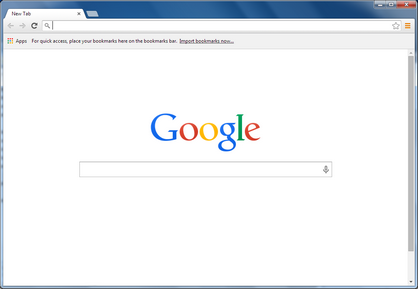
Open a web browser.
Step 2 of 7
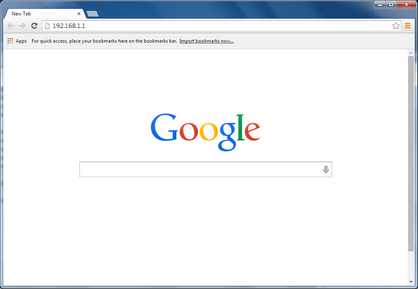
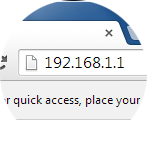
Type 192.168.1.1 in the address bar, then press Enter on your keyboard.

Step 3 of 7
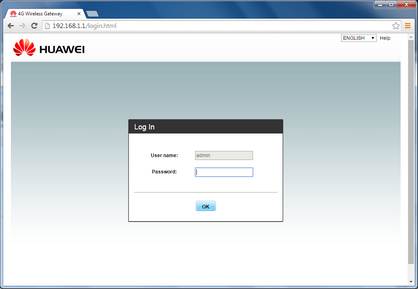
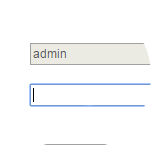
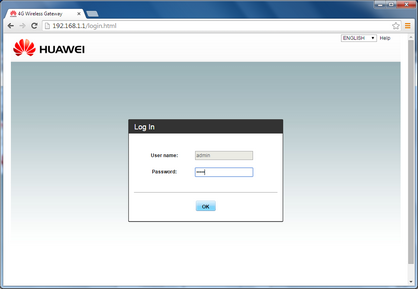
Enter the password.
The default password is admin.

Step 4 of 7
Click OK.

Step 5 of 7
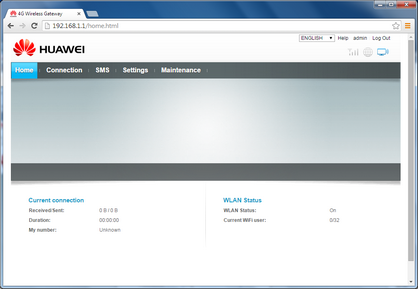
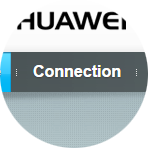
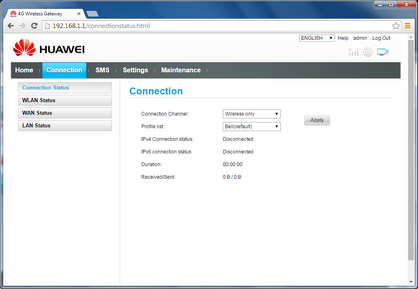
Click Connection.
Step 6 of 7
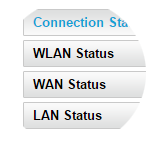
Click LAN Status.
Step 7 of 7
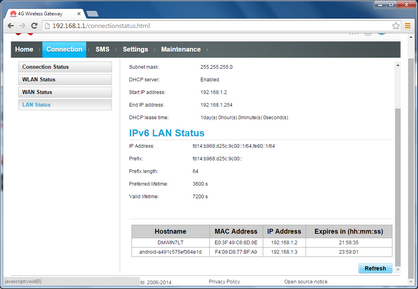
Scroll down to view information about devices connected to the Huawei B882 LTE Wireless Gateway
- Open a web browser.
- Type 192.168.1.1 in the address bar, then press Enter on your keyboard.
- Enter the password.
The default password is admin. - Click OK.
- Click Connection.
- Click LAN Status.
- Scroll down to view information about devices connected to the Huawei B882 LTE Wireless Gateway