Bell MTS Fibe TV - Set up last button
This service is only available to MTS customers in Manitoba. To find support for your region, please select your province.
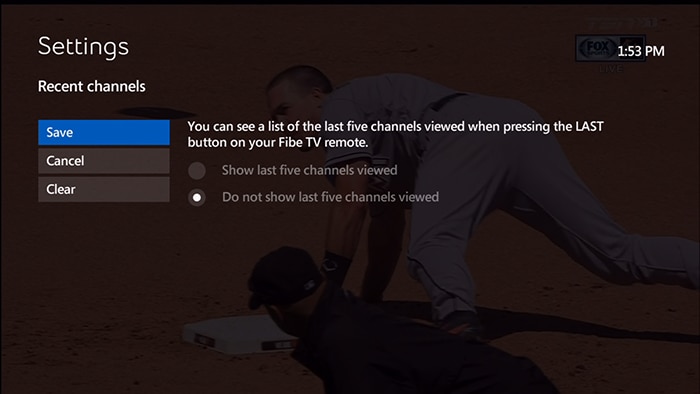
The LAST button can either show you a list of the last 5 channels you have watched (called the Recent Panel), or tune you immediately to the last channel you were watching.
If you prefer that the LAST button tune you immediately to the previous channel you have viewed, then you can choose to turn the Recent Panel feature off.
- Press MENU on your remote control.
- Press the down arrow button to highlight Settings, and press OK.
- Highlight Television and press OK.
- Highlight Setup Last button and press OK.
- Select Turn the Recent Panel Feature On - to turn on the Recent Panel.
- Select Turn the Recent Panel Feature Off - to turn off the Recent Panel.
- Highlight Save and press OK.