How to connect a USB device to my Home Hub 4000/Giga Hub (Windows 10)
Step 1 of 7
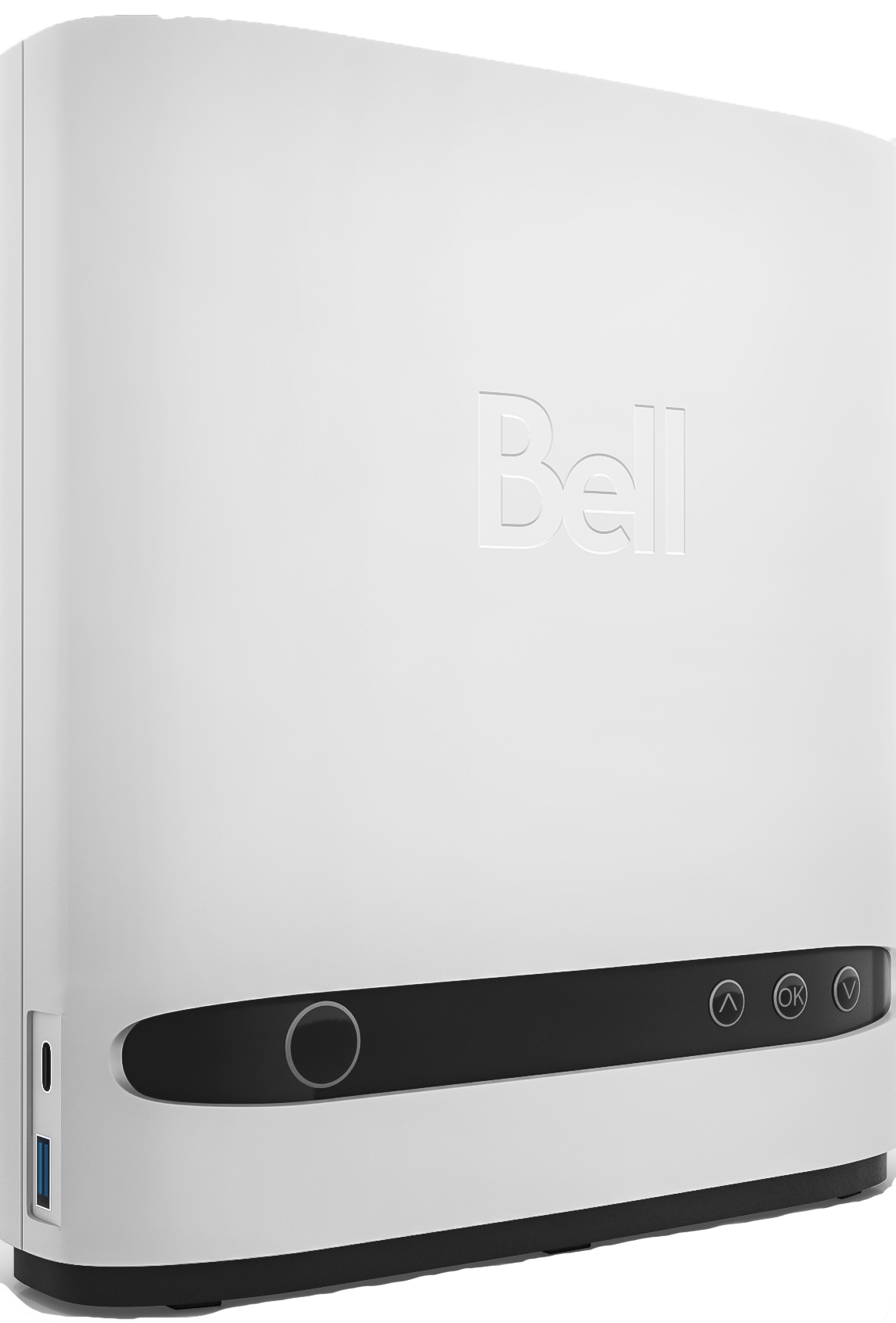
Plug the USB storage device into the Home Hub 4000/Giga Hub.

Step 2 of 7
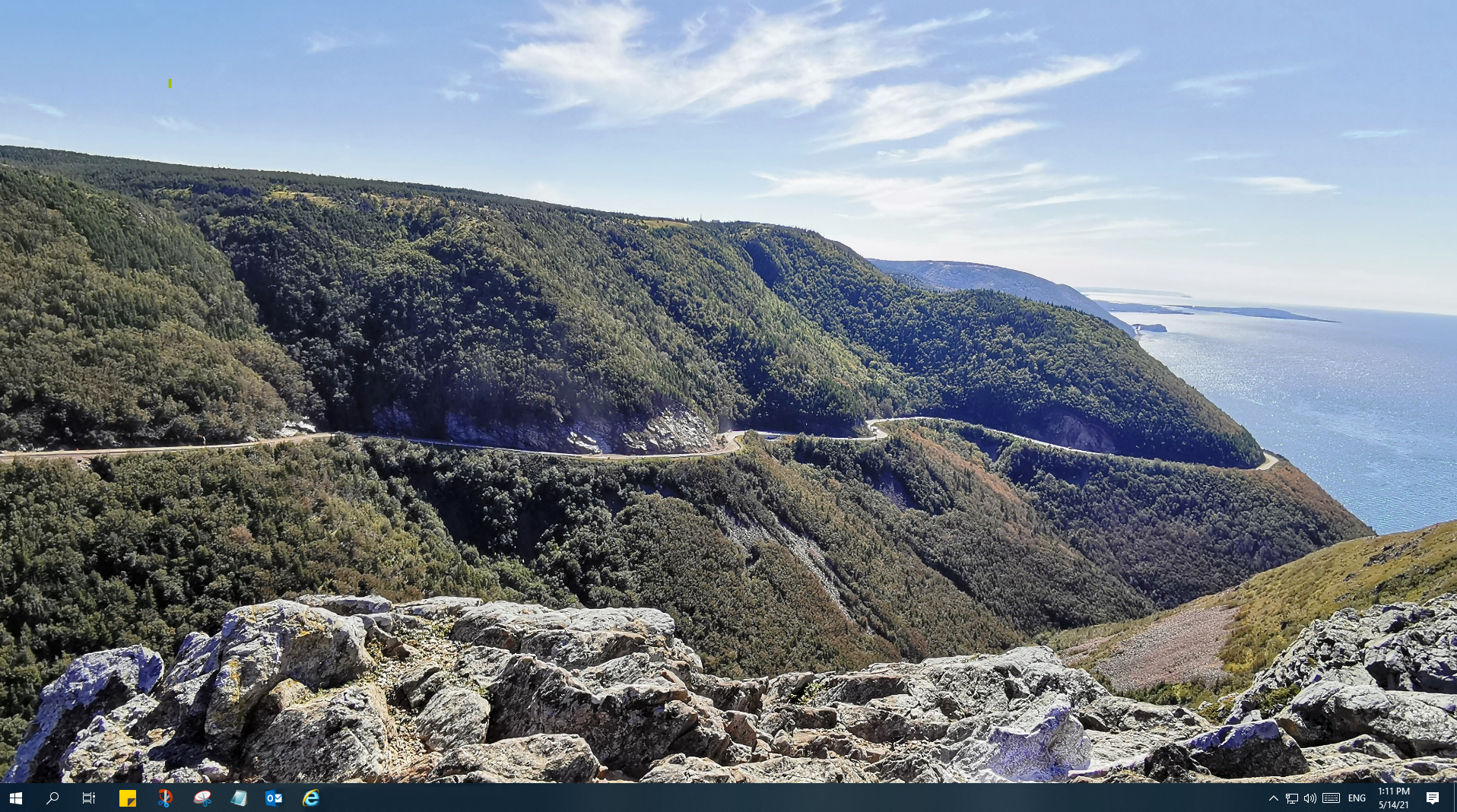
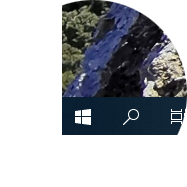
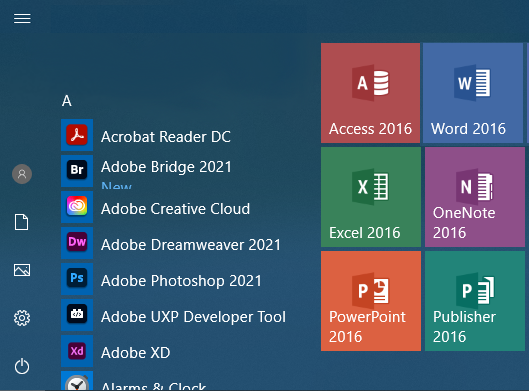
On the computer, click the Start button.


Step 3 of 7
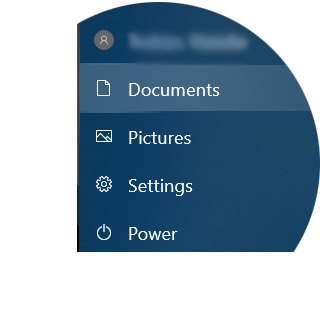
Click Documents.
Step 4 of 7
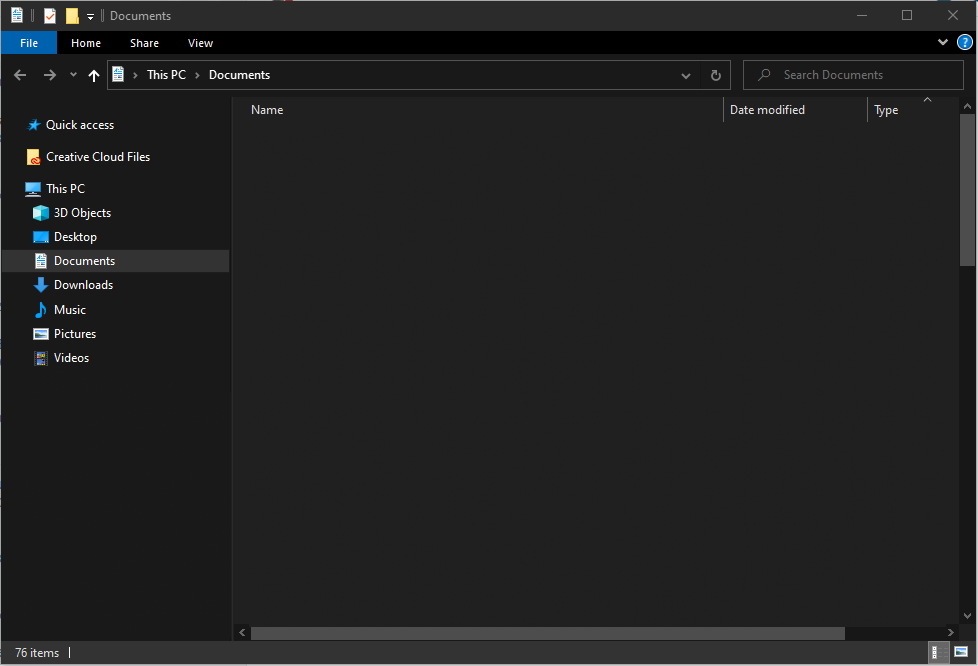
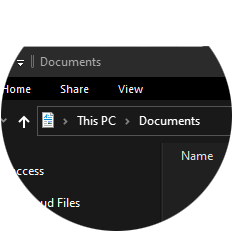
Click on the address bar.

Step 5 of 7
Delete the current text and enter \\mynetwork.
Note: Make sure you use back slashes (\) and not forward slashes (/).
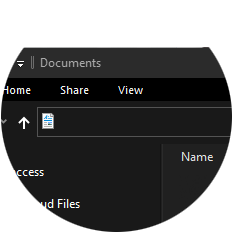
Step 6 of 7
Click the Go icon or press Enter on your keyboard.
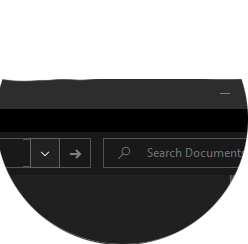

Step 7 of 7
Click on the USB device to access the files.
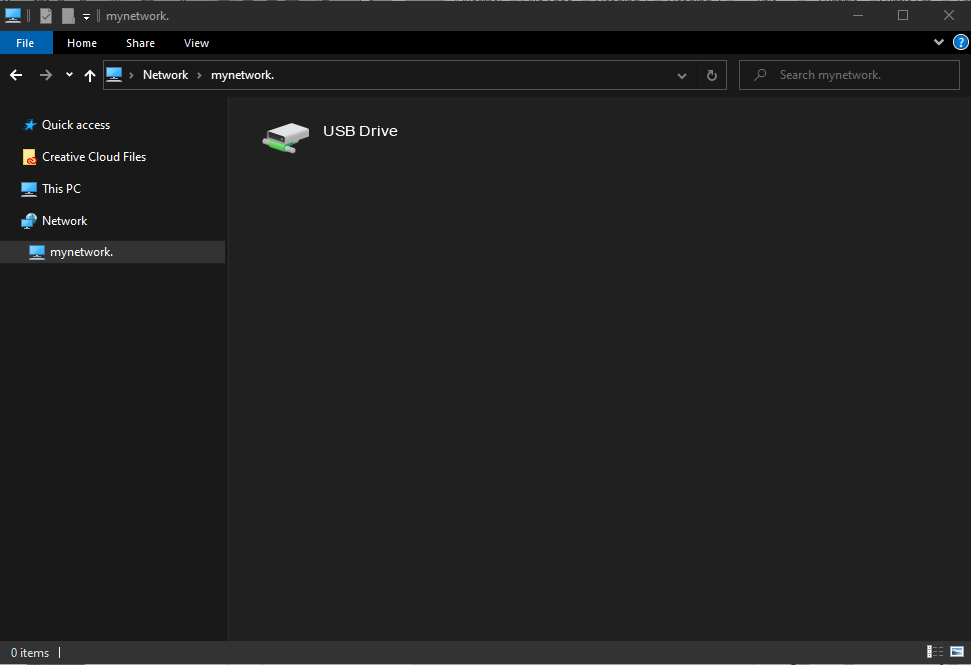
- Plug the USB storage device into the Home Hub 4000/Giga Hub.
- On the computer, click the Start button.
- Click Documents.
- Click on the address bar.
- Delete the current text and enter \\mynetwork.
Note: Make sure you use back slashes (\) and not forward slashes (/). - Click the Go icon or press Enter on your keyboard.
- Click on the USB device to access the files.