How to update my Bell Internet user ID and password on my modem
Step 1 of 8
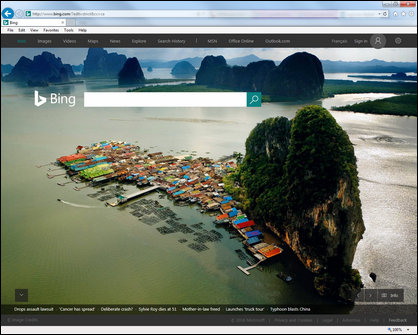
Open a web browser.
Step 2 of 8
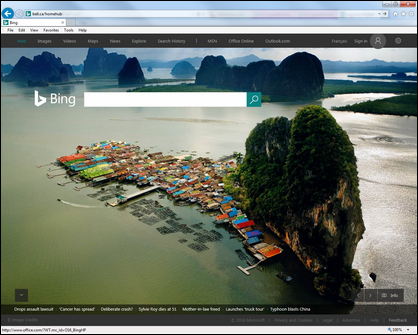
Access your modem by typing either www.bell.ca/mymodem or 192.168.2.1 in the browser's address bar.

Step 3 of 8
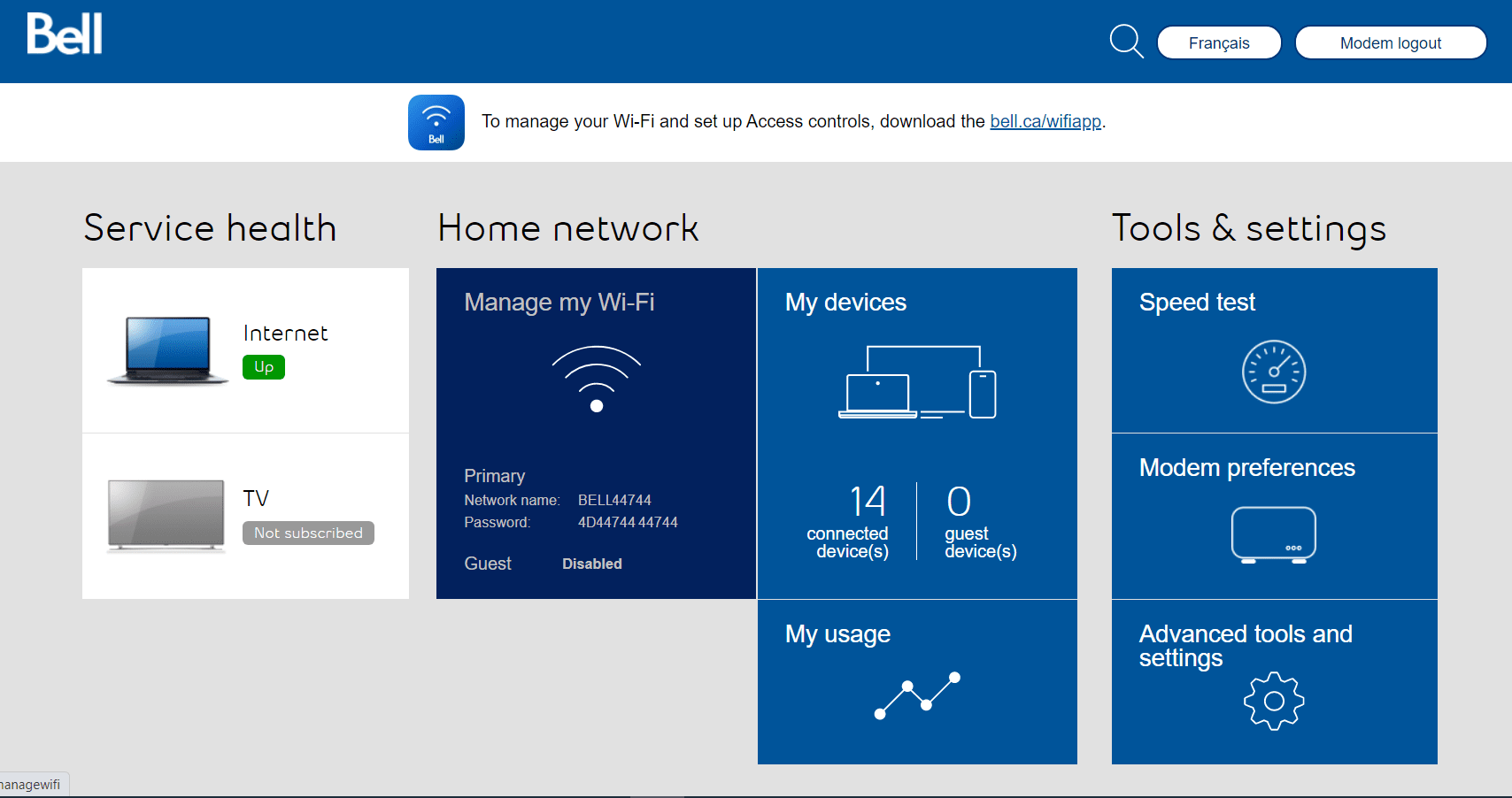
Click on Fibe Internet.
Step 4 of 8
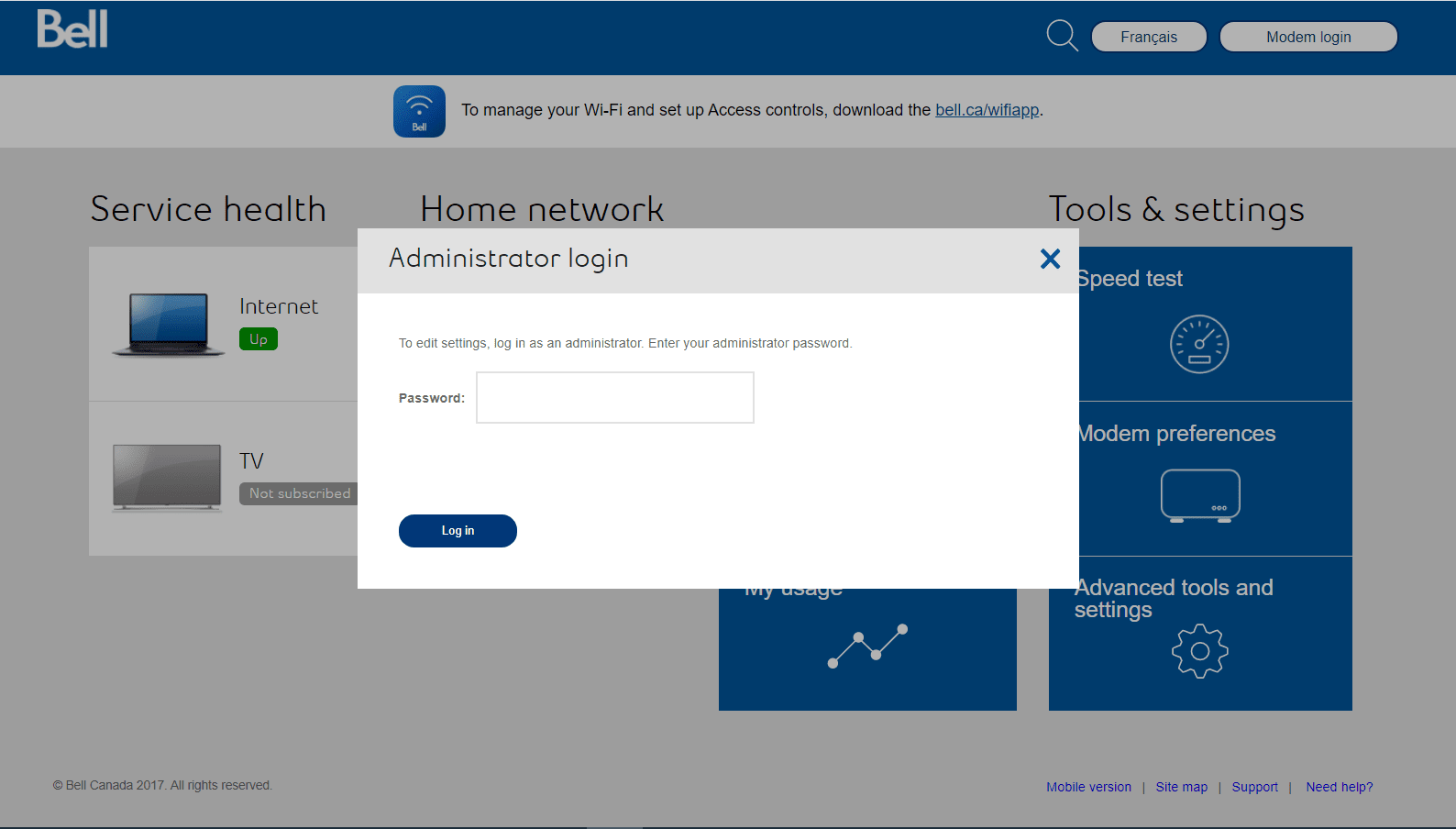
If prompted, enter the administrator password.
- Unless you’ve changed it, here’s how you can find the default password depending on your modem:
- Giga Hub 2.0/Giga Hub/Home Hub 4000: Press the up/down arrows on the front of the modem until "Modem Management" is selected and press OK.
- Home Hub 3000: Use the serial number located on the sticker on the back of the modem.

Step 5 of 8
Click Change.
Step 6 of 8
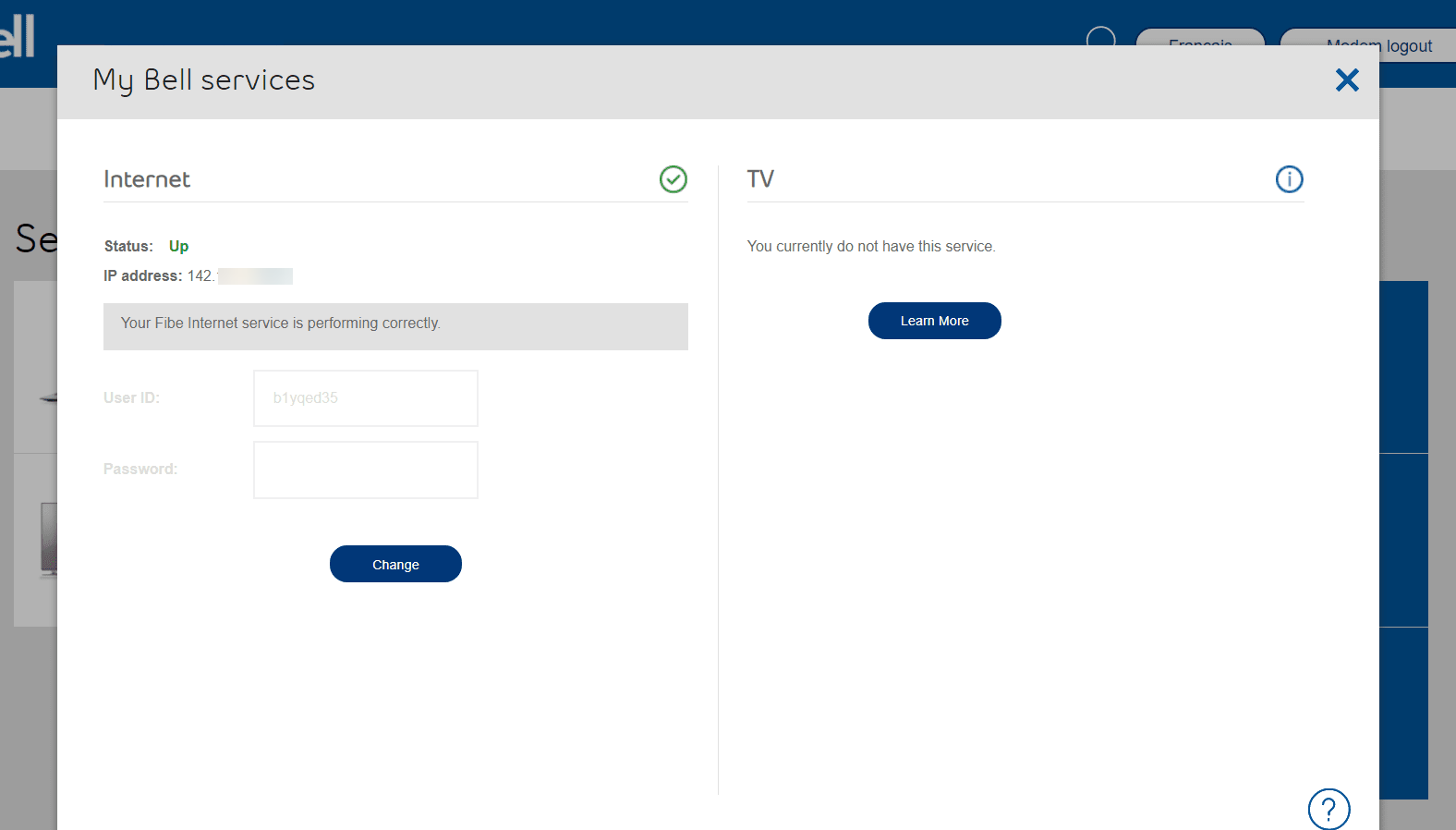
Enter your Bell Internet user ID (b1xxxxxx) and password.
Step 7 of 8
Click on Change.
Step 8 of 8
You will see a green check under the Fibe Internet service in approximately 10 seconds.
- Open a web browser.
- Access your modem by typing either www.bell.ca/mymodem or 192.168.2.1 in the browser's address bar.
- Click on Fibe Internet.
If prompted, enter the administrator password.
- Unless you’ve changed it, here’s how you can find the default password depending on your modem:
- Giga Hub 2.0/Giga Hub/Home Hub 4000: Press the up/down arrows on the front of the modem until "Modem Management" is selected and press OK.
- Home Hub 3000: Use the serial number located on the sticker on the back of the modem.
- Unless you’ve changed it, here’s how you can find the default password depending on your modem:
- Click Change.
- Enter your Bell Internet user ID (b1xxxxxx) and password.
- Click on Change.
- You will see a green check under the Fibe Internet service in approximately 10 seconds.