How to reset my Home Hub 3000 modem to factory settings
Steps to follow:
-
Press and hold the Reset button on the side of the modem for at least 30 seconds.
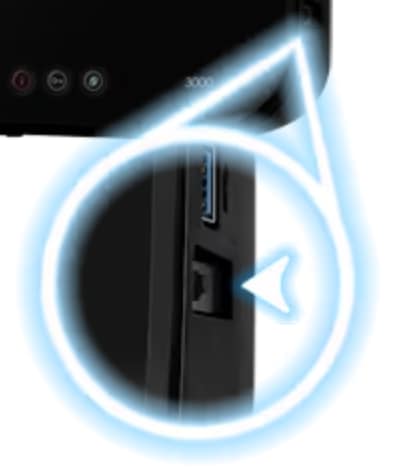
Images may not be exactly as shown.
-
The information light will flash red 5 times to indicate the process has started.

Images may not be exactly as shown.
- Open a web browser and follow the online instructions.


Join the conversation in our community forums
Find even more support by searching topics or posting questions in our forum.
 Join the conversation by scanning the QR code.