How to order On Demand video on Fibe TV
Nova
Steps to follow: 7
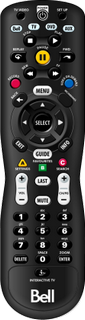
1. On your Fibe TV remote, press ON DEMAND or VIDEO ON DEMAND.


Images may not be exactly as shown.
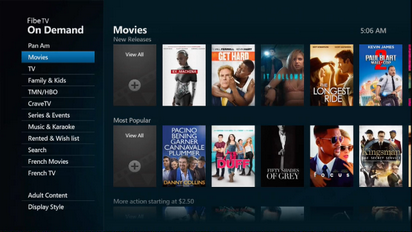
2. Scroll to a category (e.g., Movies) and press SELECT.


Images may not be exactly as shown.
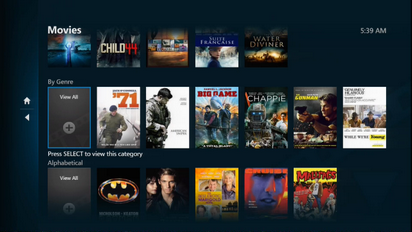
3. Scroll to the desired option (e.g., By Genre) and press SELECT.

Images may not be exactly as shown.
4. Scroll to the desired genre (e.g., Comedy) and press SELECT.
Images may not be exactly as shown.
5. Scroll to a movie and press SELECT.
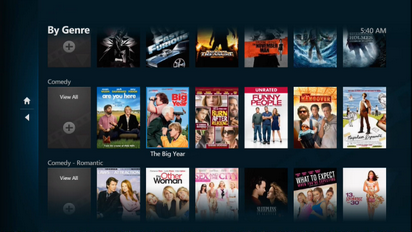
Images may not be exactly as shown.
6. Scroll to Rent and press SELECT.
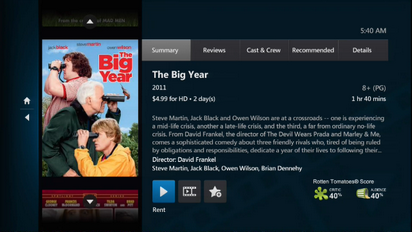
Images may not be exactly as shown.
7. Press SELECT again to confirm the rental.
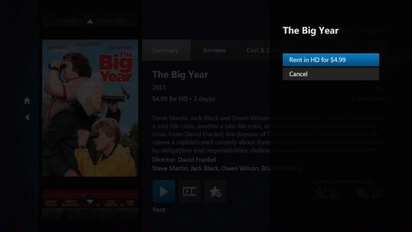
Images may not be exactly as shown.
.png)