How to use Picture-In-Picture (PIP)
How to use Picture-In-Picture (PIP)
Picture-In-Picture (PIP) lets you watch two programs at once. This feature is only available when your receiver is set to Single Mode.
Note: The 9241, 9400, 9500 and 7500 do not support Picture-In-Picture.
To use Picture-In-Picture:
- Press PIP on your remote control to display Picture-In-Picture.
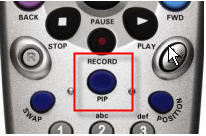
- Press PIP again to enlarge the PIP screen.
- Press PIP again to view two programs side by side.
- Press PIP again to close the PIP screen.
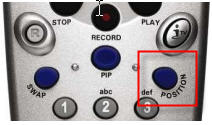
- Press POSITION to move the PIP screen.
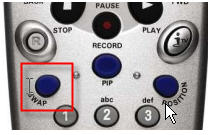
- Press SWAP to swap the programs between the PIP and full screen.
.png)