How to turn airplane mode on and off on my ahlo smartphone
Step 1 of 5
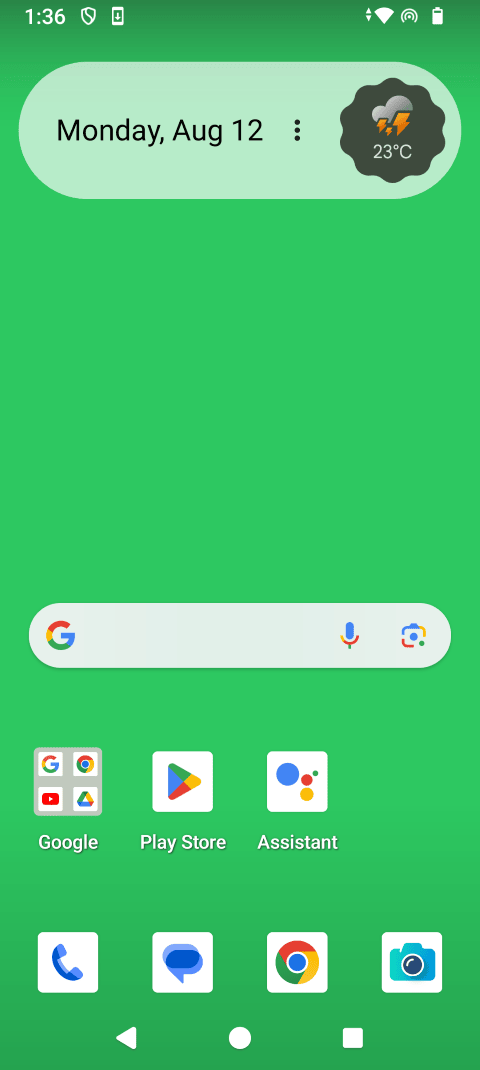
Swipe up to view the apps.

Step 2 of 5
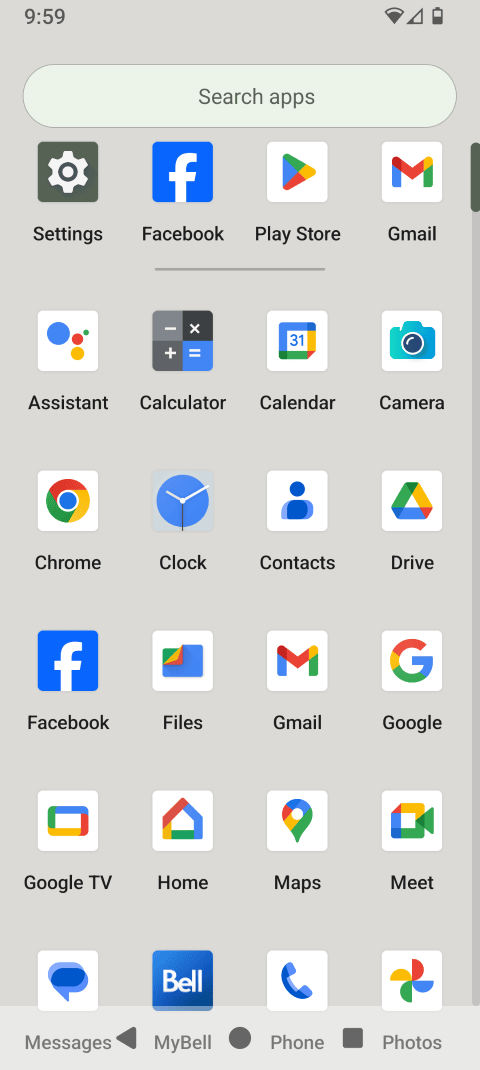
Touch Settings.

Step 3 of 5
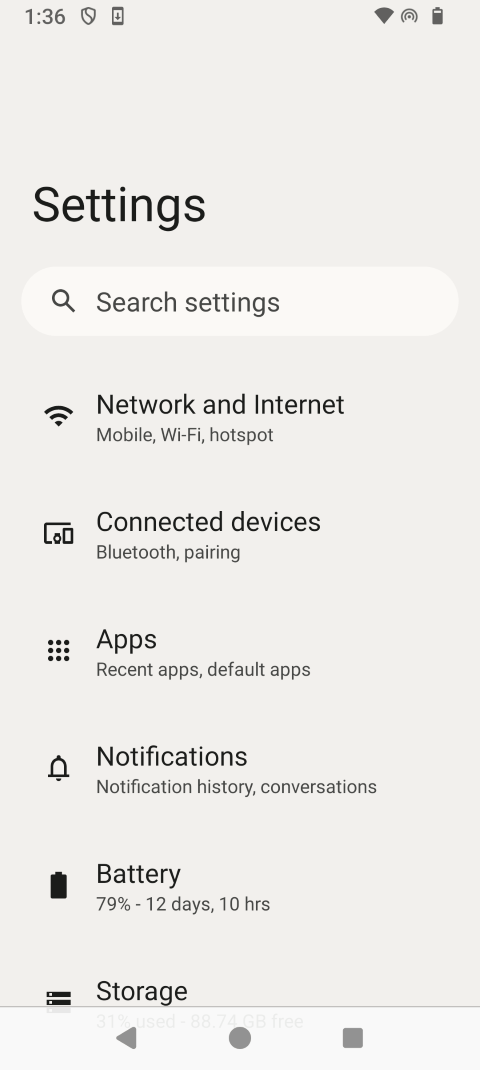
Touch Network & Internet.
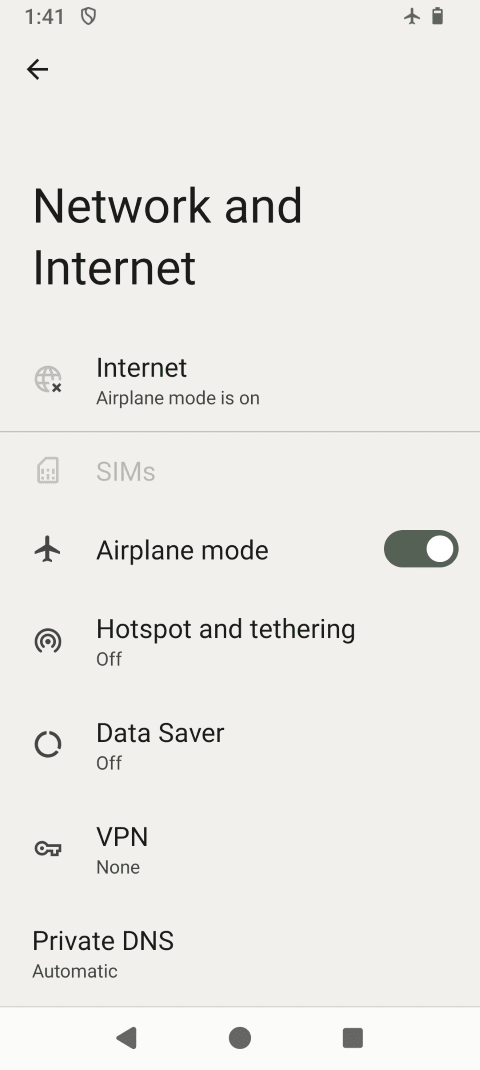
Step 4 of 5
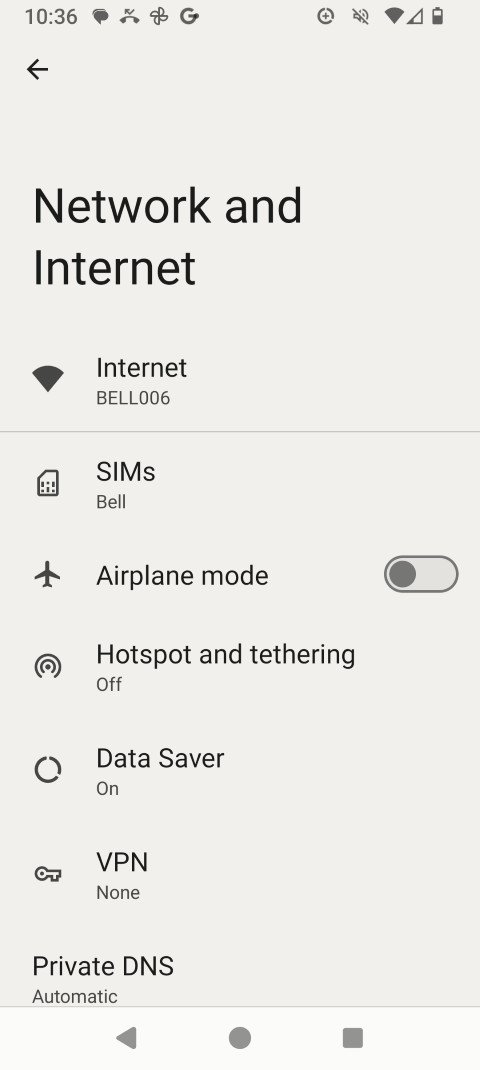
Touch the Airplane mode slider to turn it on.
Step 5 of 5
Airplane mode is on. Touch the Airplane mode slider again to turn it off.

- Swipe up to view the apps.
- Touch Settings.
- Touch Network & Internet.
- Touch the Airplane mode slider to turn it on.
- Airplane mode is on. Touch the Airplane mode slider again to turn it off.