How to configure the guest Wi-Fi network on my Home Hub 4000/Giga Hub/Giga Hub 2.0 modem
Step 1 of 7
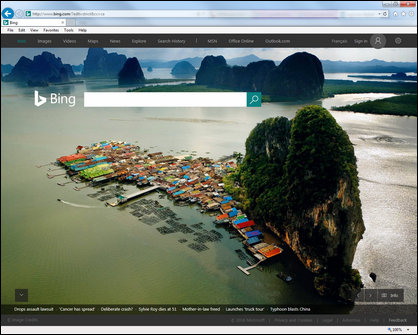
Open a web browser.
Step 2 of 7
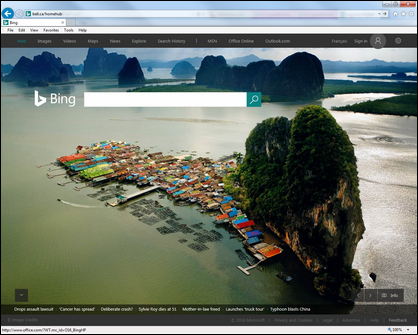
Enter the following in the address bar:
- When connected to the Internet, enter “ bell.ca/mymodem ”.
- If you’re not connected, enter “ 192.168.2.1 ”.

Step 3 of 7
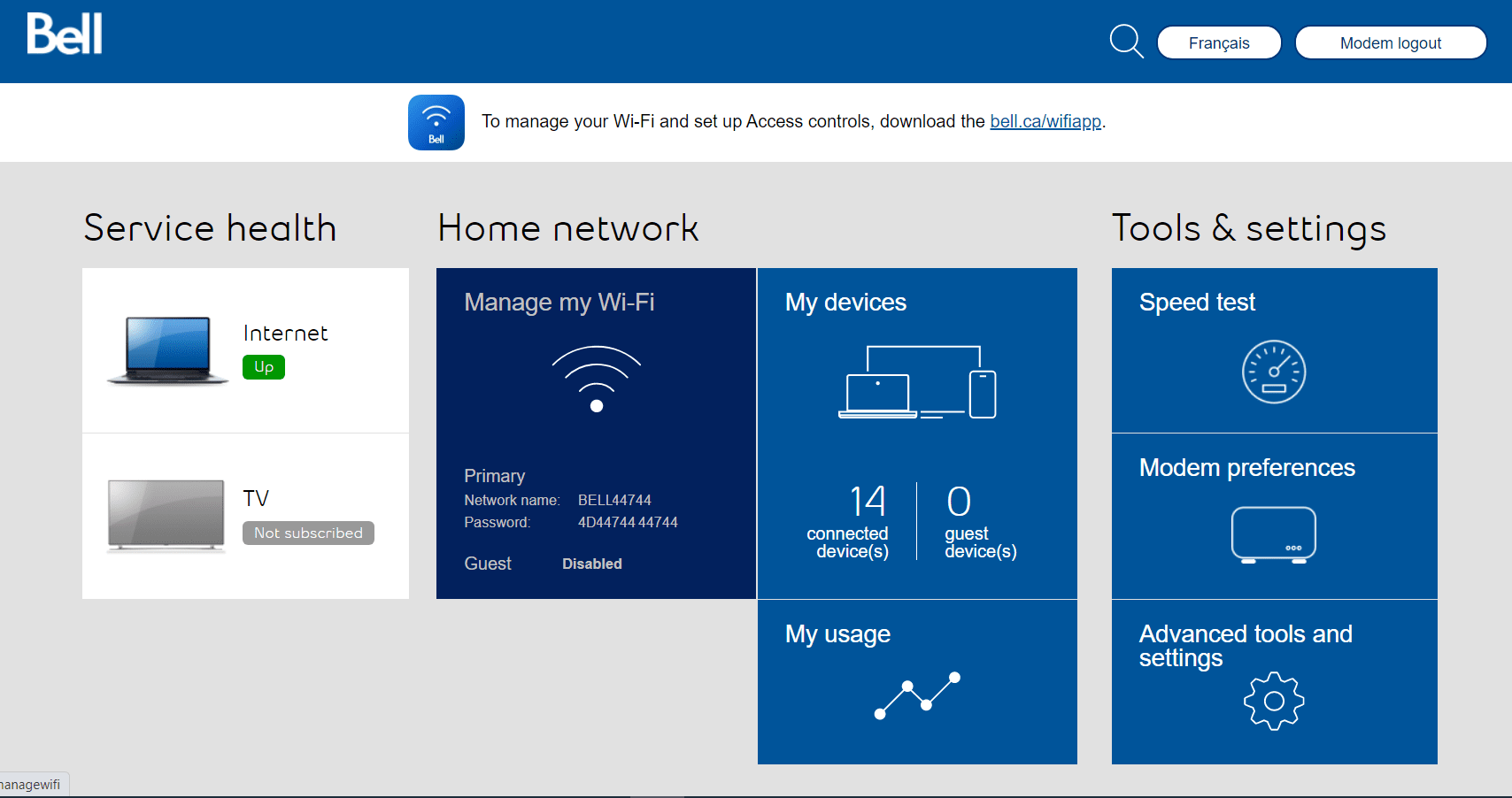
Click on Manage my Wi-Fi.
Step 4 of 7
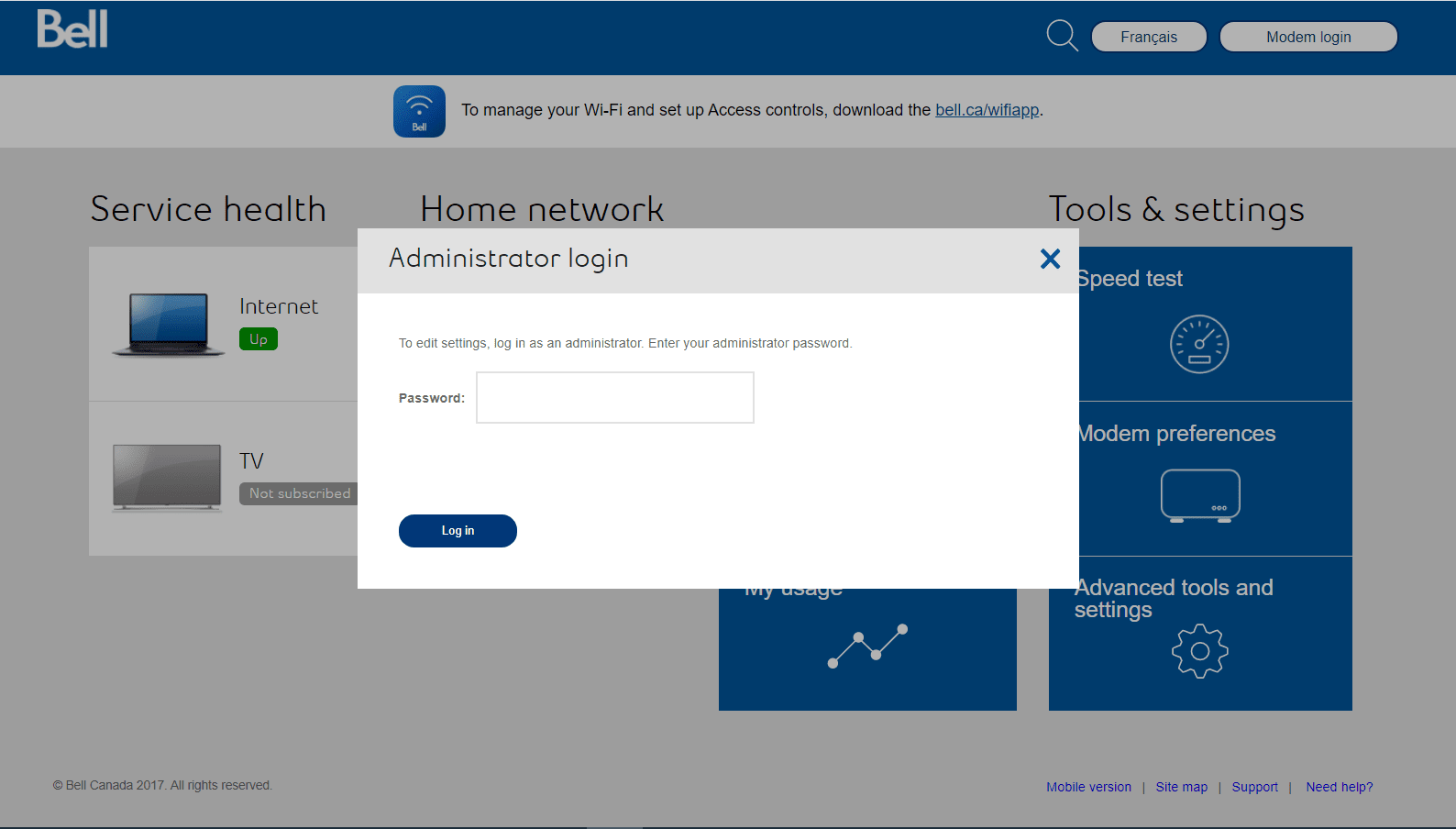
Press the up or down arrows on the front of your modem until Modem Management is selected, then press the OK button.

Step 5 of 7
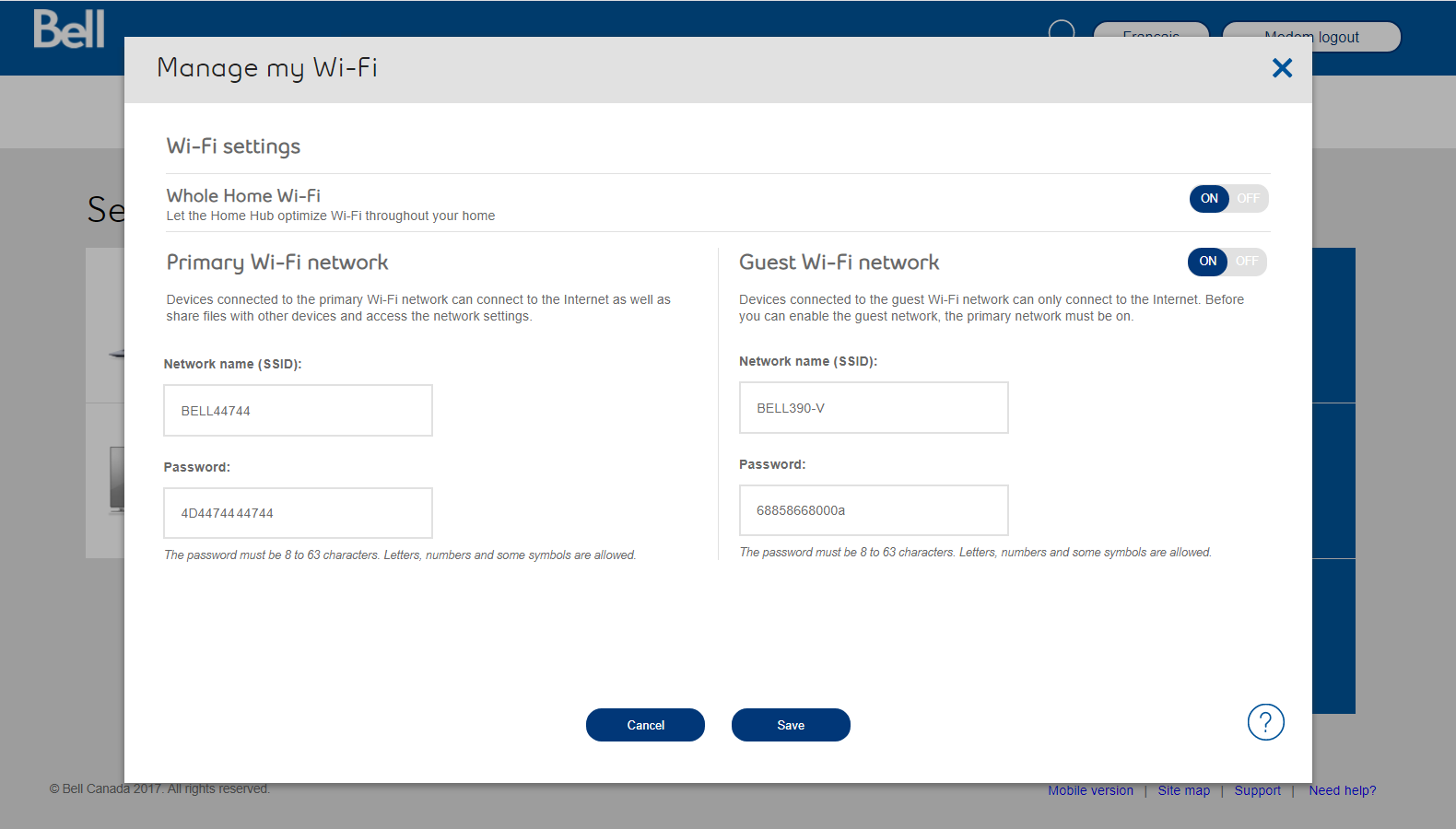
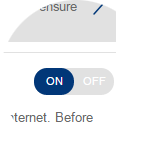
Ensure the Guest Wi-Fi network is set to the ON position.

Step 6 of 7
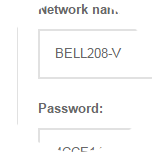
If you want, you can change the network name and password to something easier to remember.
Tip: You can add the word "guest" to the network name to distinguish it from your primary network.
Step 7 of 7
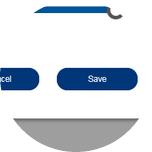
Click the Save button to save your changes.

- Open a web browser.
- Enter the following in the address bar:
- When connected to the Internet, enter “ bell.ca/mymodem ”.
- If you’re not connected, enter “ 192.168.2.1 ”.
- Click on Manage my Wi-Fi.
- Press the up or down arrows on the front of your modem until Modem Management is selected, then press the OK button.
- Ensure the Guest Wi-Fi network is set to the ON position.
- If you want, you can change the network name and password to something easier to remember.
Tip: You can add the word "guest" to the network name to distinguish it from your primary network. - Click the Save button to save your changes.