Self-serve is easy with Bell
Get the MyBell app

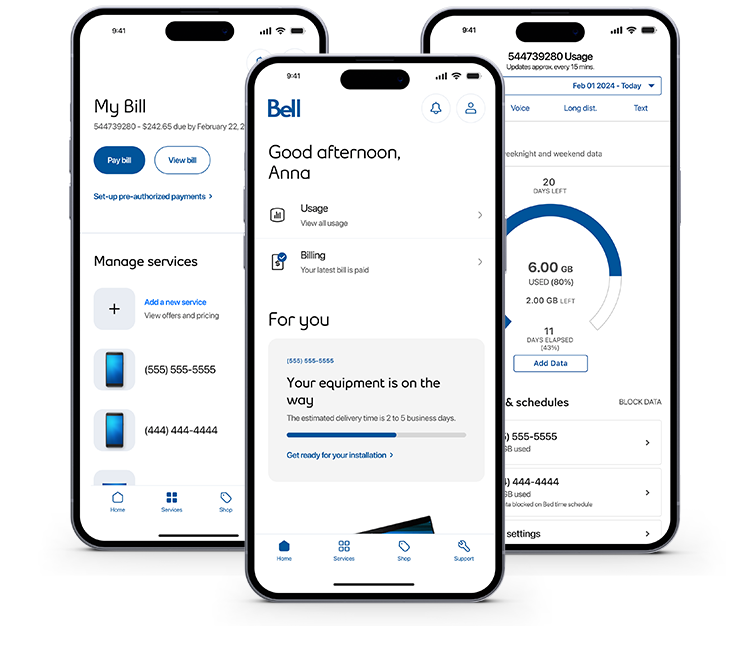
Manage your Bell services on the go
The award-winning* MyBell app is an improved way to manage your Bell services, right from your phone. From checking your usage to changing your features, you can do it quickly any time.

Scan the QR code with your smartphone or tablet camera to download the MyBell app.
Need help scanning the QR code?
On a computer?
Use MyBell in your web browser
You can also manage your services and your account right here on bell.ca.
Here’s what you can do
When you click on a link below, you’ll be prompted to log in to MyBell before seeing the content.


Mobility - Prepaid service


MyBell profile
Mobility - Prepaid service

*2023 Webby People’s Voice Award Winner. Learn more.
Bell Community forum
Find even more support by searching topics or posting questions in our forum.
Visit our community forum
Join the conversation by scanning the QR code.


Bell Community forum
Find even more support by searching topics or posting questions in our forum.
Visit our community forumJoin the conversation by scanning the QR code.