How to control live TV on Fibe TV
Nova
Steps to follow: 5
1. To pause live TV, press the PAUSE button on your Fibe TV remote.
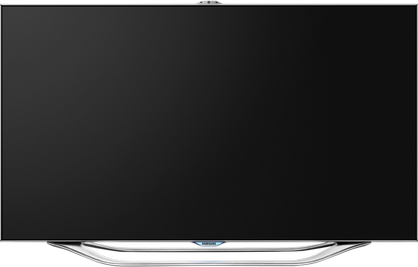

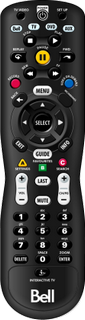

Images may not be exactly as shown.
Get help with programming, fixing or replacing your Bell Fibe TV remote.
2. The live TV show that you're viewing will pause.
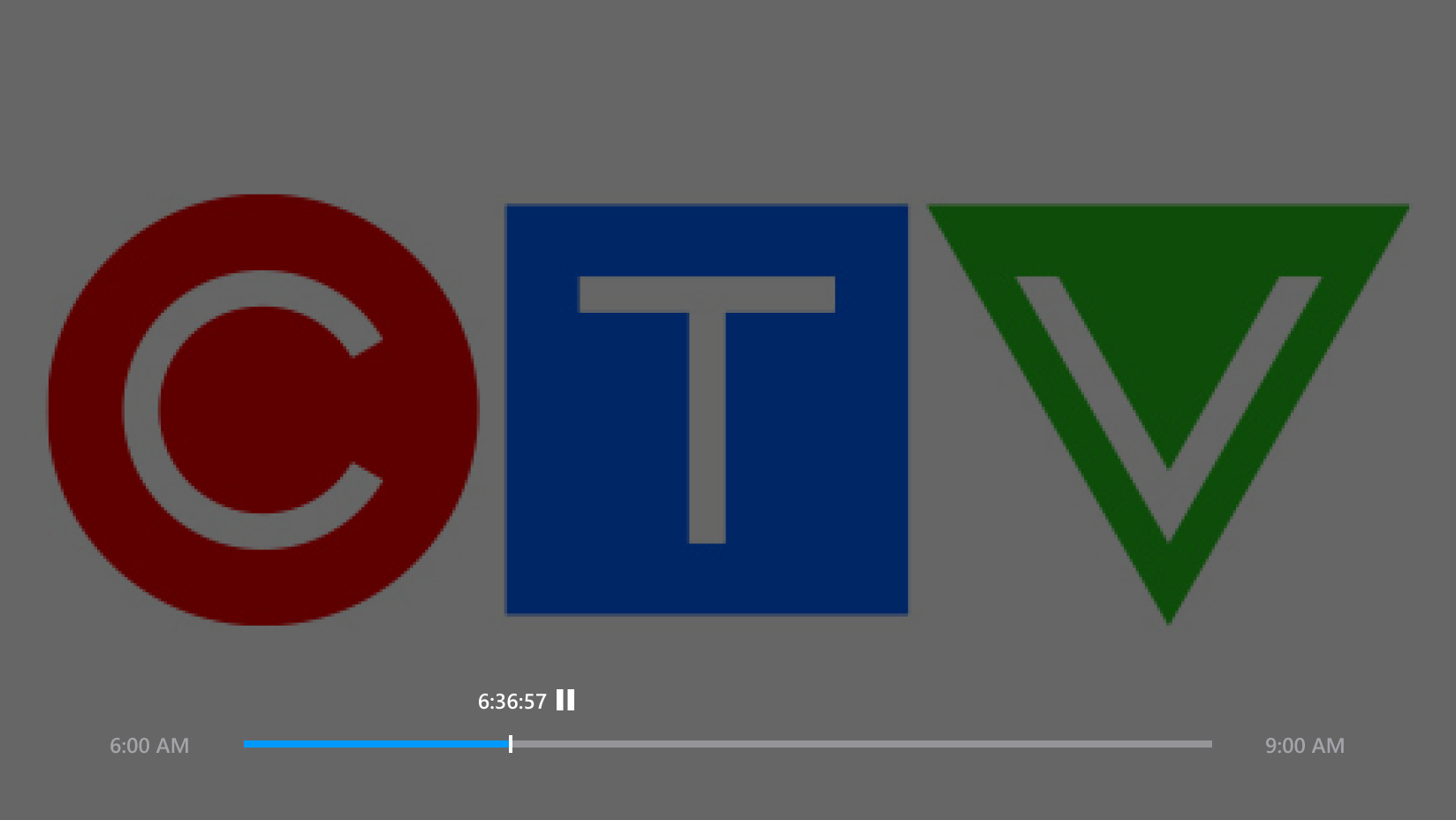
Images may not be exactly as shown.
Get help with programming, fixing or replacing your Bell Fibe TV remote.
3. To rewind the show, press the REW button.
Images may not be exactly as shown.
Get help with programming, fixing or replacing your Bell Fibe TV remote.
4. To resume viewing, press the PLAY button.
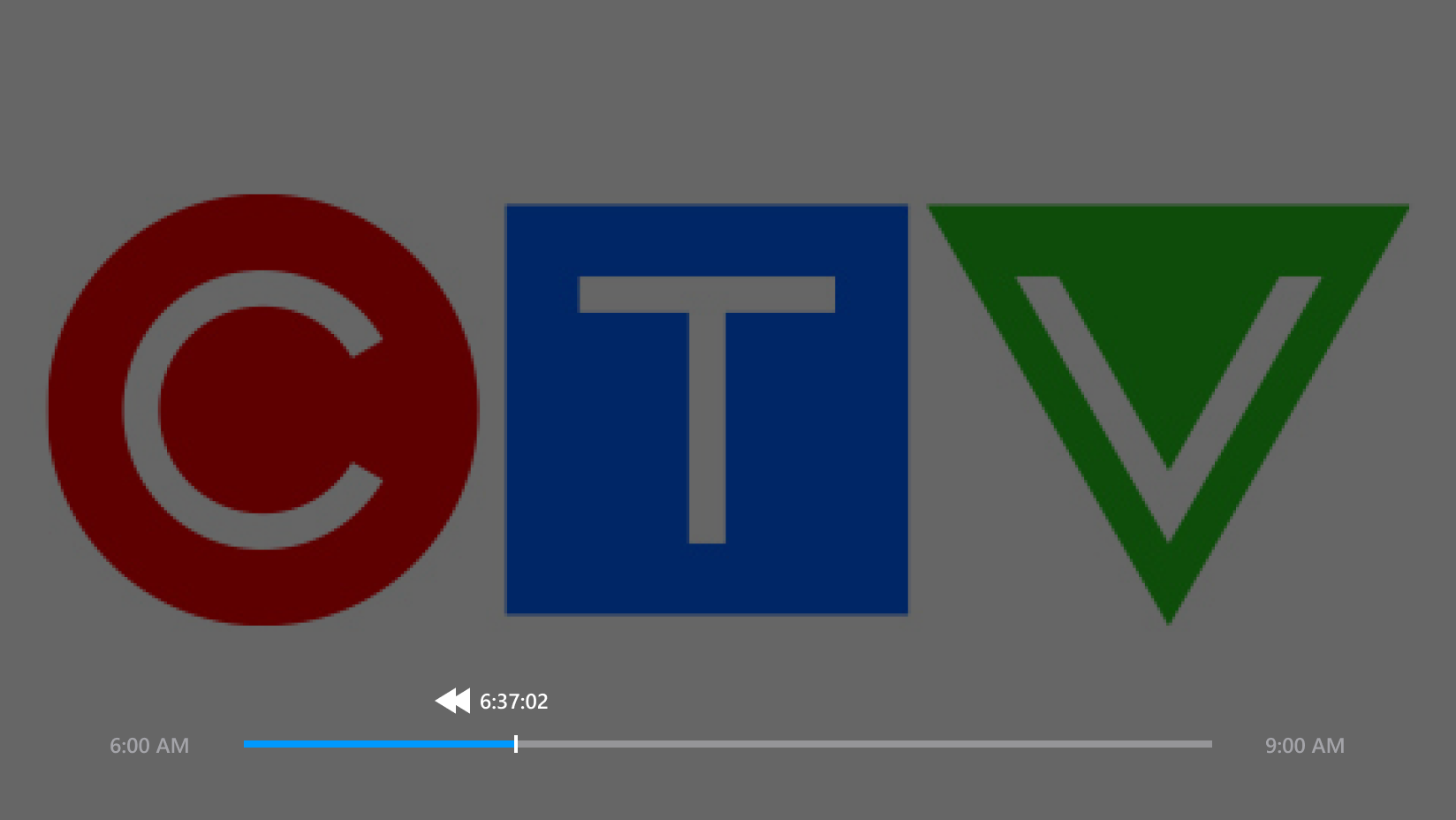
Images may not be exactly as shown.
Get help with programming, fixing or replacing your Bell Fibe TV remote.
5. The show will continue.
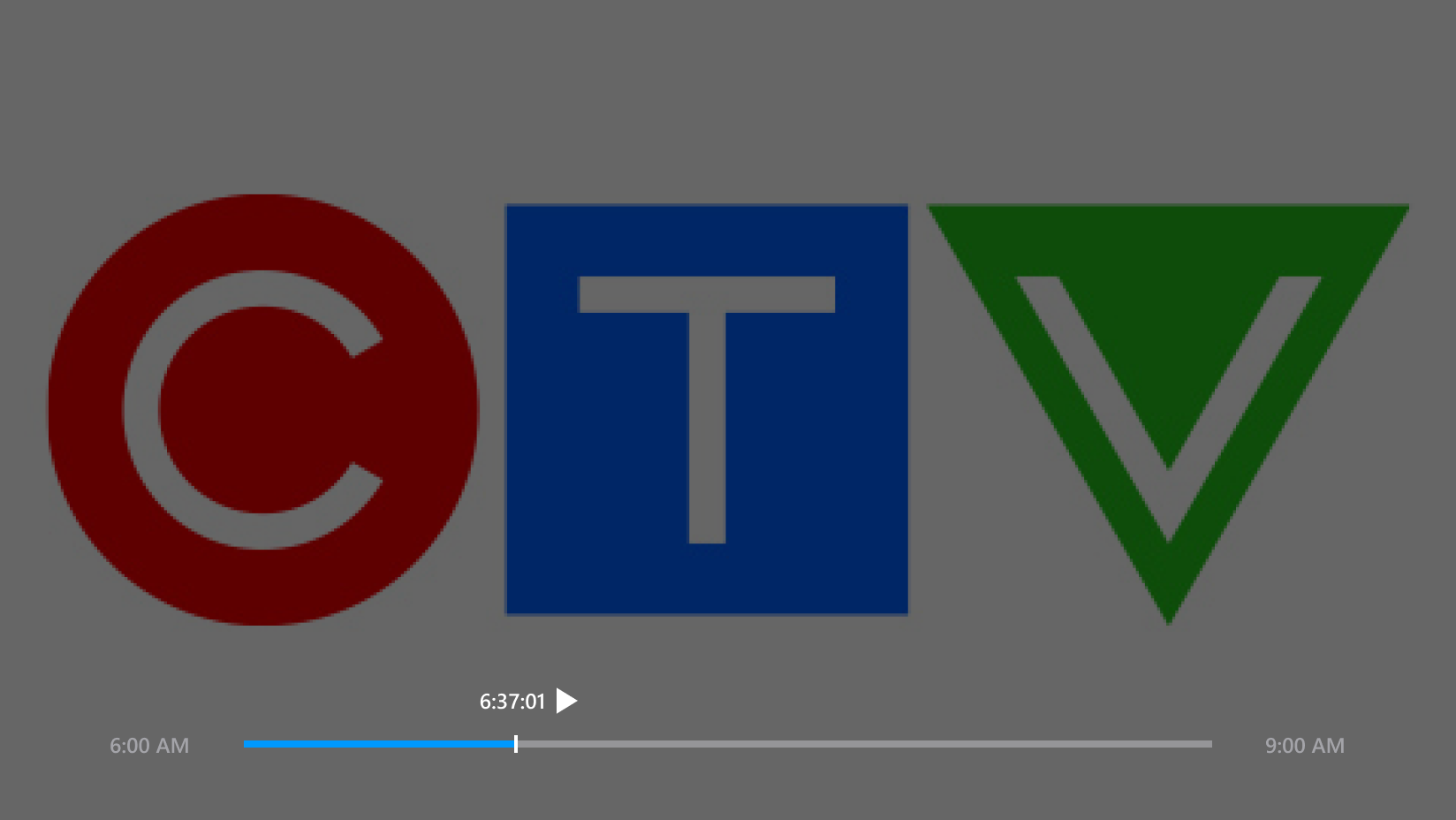
Images may not be exactly as shown.
Get help with programming, fixing or replacing your Bell Fibe TV remote.
.png)